
Comparisons
GoDaddy vs Web60: Why Irish Developers Are Ditching Managed WordPress Limits for True Terminal Control
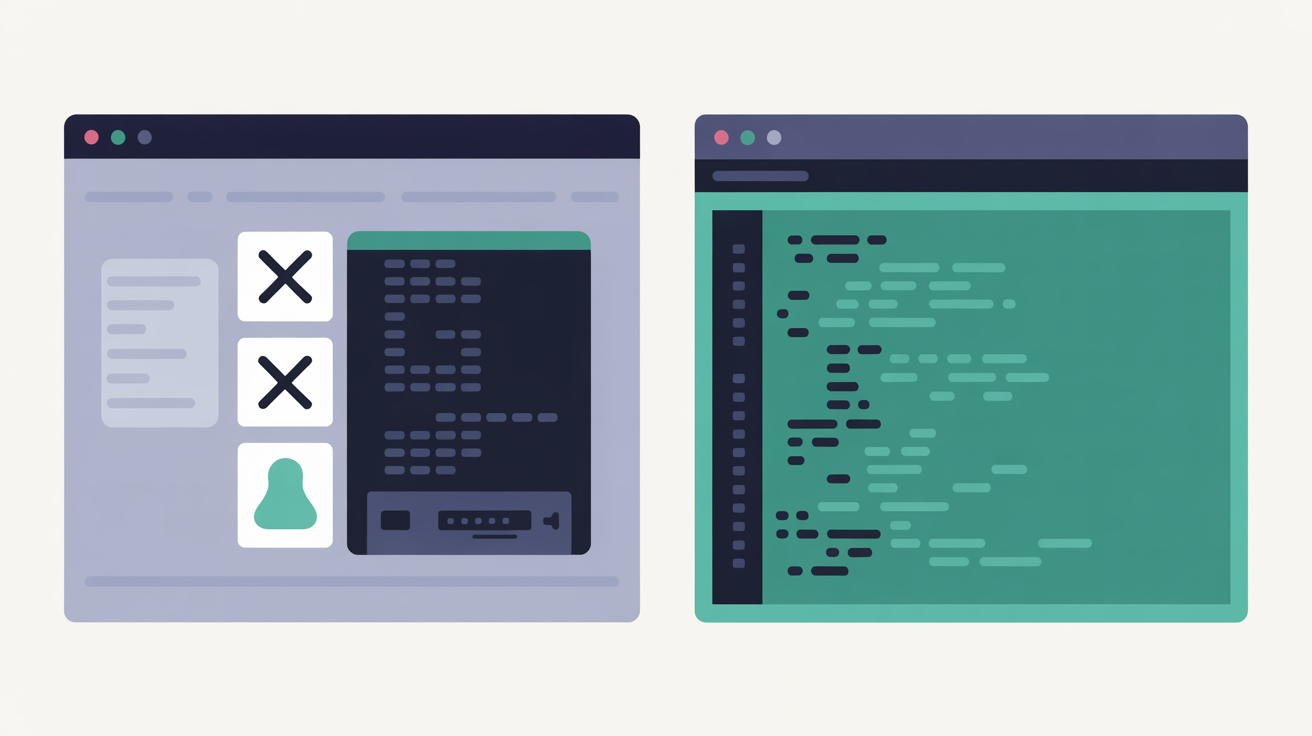
You've been there before. Three hours into debugging a client's WordPress site, and GoDaddy's managed hosting panel stares back at you with all the server access of a locked filing cabinet. No SSH. No terminal. No direct database modifications. Just a file manager that feels like it was designed for someone's nephew who 'knows computers.' Meanwhile, your client's checkout is broken, their staging environment doesn't exist, and you're reduced to uploading files one by one through a web interface like it's 2008.
If you're a developer tired of GoDaddy's managed WordPress restrictions treating you like a beginner when you need professional tools, you're not alone. Irish developers are discovering what happens when hosting actually supports their workflow instead of fighting it. Let me walk you through the differences that matter.
The GoDaddy Managed WordPress Frustration: What You're Really Getting (And What You're Not)
GoDaddy's managed WordPress hosting sounds appealing in the marketing copy. Automatic updates, security monitoring, built-in caching. What they don't mention upfront is everything you lose in the process.
Start with SSH access. GoDaddy's basic managed WordPress plans don't include it at all. Want to run WP-CLI commands? Upload to upgrade to their Deluxe plan at £11.99 monthly. Need to modify file permissions or debug server issues directly? Same upgrade required. For a developer, this is like buying a car without the bonnet release.
Then there's database control. GoDaddy provides phpMyAdmin access, but it's neutered. You cannot modify user privileges. You cannot optimise tables directly. Hit their 1GB database limit, and backups start failing. Performance degrades. Your client's site slows down, and you're helpless to fix it properly because the tools are locked away.
File management becomes an exercise in frustration. No SFTP by default. The built-in file manager works for editing individual files but try deploying a custom theme or managing version control. You'll spend more time waiting for uploads than actually developing.
A web agency in Cork told me they burned three days trying to debug a WooCommerce conflict on GoDaddy's managed hosting. The issue required checking server logs and modifying PHP configurations. Both impossible through their restricted panel. They ended up rebuilding the entire site on proper hosting infrastructure. Three days of billable time lost because the hosting provider decided developers couldn't be trusted with their own servers.
Terminal Access: Why SSH and Command Line Control Matter for WordPress Development
Professional WordPress development requires command-line access. Not because it's fancy or technical, but because it's efficient.
SSH access means running WP-CLI commands directly on the server. Installing plugins, updating WordPress core, managing databases, creating user accounts - all from the terminal, all scriptable, all fast. Without SSH, you're clicking through WordPress admin panels like a civilian.
SFTP access means proper file management. Version control integration. Secure file transfers. Automated deployment scripts. When you can SFTP into your server, you can set up proper development workflows that actually scale.
Web60's terminal access delivers both. SSH access included on every account. Built-in terminal right in the browser if you prefer. SFTP credentials available immediately. No upgrades required, no restrictions imposed.
The difference in workflow is stark. On GoDaddy's restricted platform, updating a plugin means logging into WordPress admin, clicking update, hoping nothing breaks, and having no rollback plan if it does. With proper terminal access, you run wp plugin update --dry-run to test first, then wp db export backup.sql before updating, then proceed with confidence.
Command-line control also means real troubleshooting capability. Server throwing 500 errors? Check the logs directly with tail -f /var/log/nginx/error.log. Plugin conflict suspected? Disable all plugins with one command, then selectively re-enable. Memory issues? Monitor resource usage in real time.
GoDaddy's managed approach assumes you don't need these tools. Web60 assumes you're a professional who knows how to use them.
Database Freedom: phpMyAdmin Access and Direct MySQL Control Comparison
Database access separates amateur hosting from professional infrastructure. GoDaddy provides phpMyAdmin, but with training wheels welded on. Web60 provides full database control with no artificial limitations.
GoDaddy's phpMyAdmin restrictions become apparent quickly. You cannot create new database users. You cannot modify existing user privileges. You cannot run certain MySQL commands that conflict with their managed environment. These limitations sound technical until you need them.
Example scenario: Your WooCommerce site needs a read-only database user for analytics reporting. Standard procedure with proper hosting. Impossible on GoDaddy's managed platform. You're stuck with the single admin user they provide.
Database size limits create another frustration. GoDaddy's 1GB limit sounds generous until you're managing a content-heavy site or eCommerce store with thousands of products. Exceed the limit, and backups fail silently. Site performance degrades. Customer complaints start arriving before you realise the database is throttled.
Web60's database manager provides unrestricted phpMyAdmin access. Create users, modify permissions, optimise tables, run complex queries. Export and import without size restrictions. The database tools work the way database tools should work.

One limitation worth acknowledging: if you're running massive enterprise databases with complex replication requirements, Kinsta's Google Cloud infrastructure provides more advanced database clustering options. But that setup costs £25+ monthly and targets enterprise budgets, not the Irish market reality.
For Irish developers managing typical WordPress sites, Web60's database freedom provides exactly what you need: full control without artificial restrictions.
Developer Workflow Reality Check: Staging, Deployments, and Custom Configurations
Real WordPress development requires staging environments. Not "maybe someday when budget allows" staging. Essential, non-negotiable staging where you break things safely before they reach customer eyes.
GoDaddy's managed WordPress hosting doesn't include staging environments on their basic plans. Available as an add-on feature for higher tiers. Even when available, their staging setup lacks the workflow integration professional development requires.
Proper staging means more than just copying files. It means environment parity - same server configuration, same PHP version, same database structure. It means easy synchronisation between staging and production. It means deployment tools that don't require manual file copying.
The Dead Simple Staging Workflow
Step 1: Clone. Web60 creates an exact replica of your production site with one click. Same database, same files, same configuration. Takes 60 seconds.
Step 2: Develop. Make your changes on the staging environment. Install plugins, modify themes, test new features. Break it completely if needed - your production site remains untouched.
Step 3: Deploy. When testing confirms everything works, push changes to production with a single click. If something unexpected breaks, rollback to the previous state in seconds.
Without proper staging, WordPress development becomes Russian roulette. Every plugin update, theme modification, or configuration change carries the risk of breaking your live site. Professional developers understand why staging environments are essential for maintaining website reliability, but GoDaddy's managed platform makes this basic workflow unnecessarily difficult.
Custom configurations present another challenge. PHP memory limits, upload file sizes, execution timeouts - all locked down on GoDaddy's managed platform. Web60 allows reasonable customisation within security boundaries. Need to upload a 50MB video file? Adjust the limits. Processing large imports? Increase execution time. Professional hosting should adapt to your requirements, not force your requirements to adapt to arbitrary hosting limitations.
Performance Under the Hood: Server Access vs Managed Restrictions
GoDaddy's managed WordPress performance depends entirely on their preconfigured stack. You get what they give you. No optimisation beyond their standard setup. No custom caching strategies. No performance tuning for your specific use case.
Web60's approach provides performance optimisation with professional oversight. The platform runs on the WordOps stack - Nginx, PHP-FPM, Redis object caching, FastCGI page caching. Professional-grade components configured for WordPress performance. But here's the crucial difference: you retain access to the server when optimisation requirements go beyond the standard setup.
Server-level access means real performance troubleshooting. Slow database queries? Check the MySQL slow query log directly. Memory usage spikes? Monitor processes in real time with htop. CDN integration problems? Debug DNS and connection issues at the server level.
GoDaddy's managed restrictions prevent this level of investigation. Site running slowly? Submit a support ticket and wait. Complex performance issues require multiple support interactions, each filtered through first-level technicians who cannot access the actual server data you need.

The performance difference becomes obvious under load. A Waterford eCommerce site moved from GoDaddy to Web60 last autumn. Same content, same plugins, same design. Page load times dropped from 3.2 seconds average to 1.8 seconds. The difference? Proper server-level optimisation and caching configuration that GoDaddy's managed environment couldn't provide.
One performance reality worth noting: aggressive caching occasionally shows logged-in customers stale product pages. Rare occurrence. When it happens, a cache flush fixes it in seconds. Worth understanding before a customer reports it first.
Irish Data Sovereignty: Where Your Sites Actually Live and Why It Matters
GoDaddy hosts Irish customers' WordPress sites across global data centres. Your site might be in Phoenix, Amsterdam, or Singapore. You won't know unless you specifically investigate. For GDPR compliance and data sovereignty, this creates unnecessary complexity.
Irish data sovereignty means your website data stays in Ireland. Under Irish legal jurisdiction. Processed by Irish-registered companies under Irish data protection law. Simple compliance, clear legal framework, no cross-border data transfer complications.
Web60 operates entirely on Irish infrastructure. All websites hosted on SmartHost's sovereign Irish cloud. All data stays in Ireland. All processing happens under Irish jurisdiction. GDPR compliance becomes straightforward rather than a multi-jurisdictional puzzle.
For Irish businesses, maintaining data sovereignty provides both legal protection and practical advantages. Reduced latency to Irish visitors. Clear regulatory compliance. No concerns about data transfers to countries with different privacy laws.
GoDaddy's global approach suits multinational corporations with complex international requirements. For Irish businesses serving Irish customers, it creates unnecessary complications without corresponding benefits.
Who Needs This Most?
-
Development agencies: Essential. Client sites require professional development workflows, not managed hosting restrictions. One broken staging deployment could cost a €15,000 contract.
-
eCommerce businesses: Critical. Database limitations and restricted server access create revenue risks. When your checkout breaks during peak sales period, you need immediate server-level troubleshooting capability.
-
Content-heavy websites: Important. Large databases, custom configurations, and performance optimisation requirements exceed managed hosting capabilities quickly.
The True Cost Analysis: Hidden Limitations vs Transparent Control
GoDaddy's managed WordPress pricing appears competitive at first glance. £8.99 monthly for basic managed hosting. But the real cost emerges when you need professional functionality.
SSH access requires upgrading to Deluxe at £11.99 monthly. Staging environments need Ultimate plans at £16.99 monthly. Multiple sites require separate plans for each installation. A development agency managing five client sites pays £84.95 monthly minimum for proper functionality.
Web60's €60 yearly pricing includes everything developers need. SSH access, SFTP, staging environments, database freedom, terminal control. No hidden upgrades, no per-feature charges. Five client sites cost €300 annually total, not monthly.
The productivity difference amplifies the cost advantage. Hours spent working around hosting limitations represent real money for professional developers. Time wasted uploading files individually, debugging through support tickets, or rebuilding sites due to staging limitations - all billable hours lost to infrastructure friction.
Beyond direct costs, consider opportunity costs. Professional developers choose tools that enhance productivity, not hinder it. GoDaddy's managed restrictions slow down development workflows. Web60's professional tools accelerate them.
If you're tired of hosting that treats professional developers like beginners, try building a site with proper terminal access and staging environments. See the difference professional hosting infrastructure makes for actual development work.
The strategic concession here is honest: if you're building basic brochure websites with no custom development requirements, GoDaddy's managed restrictions might not affect you significantly. Their automatic updates and managed security provide value for simple sites with minimal customisation needs. But if you're doing professional WordPress development, the limitations become productivity killers quickly.
Conclusion
GoDaddy's managed WordPress hosting serves a specific market: website owners who want WordPress without touching any technical components. If that's your requirement, their managed approach delivers predictable functionality within strict boundaries.
But for professional WordPress development, managed restrictions become professional limitations. SSH access, database freedom, staging environments, and terminal control aren't luxury features - they're essential tools for efficient development workflows.
Web60 provides professional WordPress hosting without the artificial restrictions. Full server access, proper staging environments, unrestricted database control, and terminal access that actually works. All hosted on Irish infrastructure for clear GDPR compliance.
The difference isn't about technical complexity. It's about professional productivity. Professional developers need professional tools. Web60 provides them without compromise.
Frequently Asked Questions
Can I get SSH access on GoDaddy's basic managed WordPress plan?
No, GoDaddy's basic managed WordPress plans do not include SSH access. You need to upgrade to their Deluxe plan at £11.99 monthly minimum to get SSH functionality. Web60 includes SSH access on all accounts at €60 yearly.
What happens when I exceed GoDaddy's 1GB database limit?
When your WordPress database exceeds 1GB on GoDaddy's managed hosting, automatic backups fail to connect and site performance degrades significantly. You'll need to optimise your database or upgrade to higher storage limits. Web60 doesn't impose artificial database size restrictions.
Does Web60 provide staging environments like professional hosting should?
Yes, Web60 includes one-click staging environments on all accounts. You can create an exact replica of your live site, test changes safely, then deploy to production with a single click. GoDaddy requires plan upgrades for staging functionality.
How does Irish hosting benefit my WordPress development workflow?
Irish hosting provides data sovereignty compliance, reduced latency for Irish visitors, and clear GDPR jurisdiction. Your website data stays in Ireland under Irish law, simplifying compliance requirements compared to global hosting providers.
Can I run WP-CLI commands on GoDaddy's managed WordPress hosting?
WP-CLI requires SSH access, which GoDaddy doesn't provide on basic managed plans. You need their Deluxe tier or higher to run command-line WordPress management tools. Web60 provides full WP-CLI access and terminal control on all accounts.
What's the real cost difference between GoDaddy and Web60 for developers?
GoDaddy's basic plan at £8.99 monthly lacks essential developer tools. Adding SSH access and staging requires £16.99 monthly minimum. Web60 provides all professional features for €60 yearly - roughly £4.17 monthly with no hidden upgrades required.
Sources
GoDaddy Help Documentation - Enable SSH on Managed Hosting for WordPress (https://www.godaddy.com/help/enable-ssh-on-managed-hosting-for-wordpress-24596)
GoDaddy Help Documentation - Prevent MySQL Size Limit Issues (https://www.godaddy.com/help/prevent-mysql-size-limit-issues-40053)
Elegant Themes WordPress Hosting Review - GoDaddy Managed WordPress Analysis (https://www.elegantthemes.com/blog/wordpress/godaddy-managed-wordpress-hosting-review)
ThemeIsle GoDaddy Review - Pricing and Features Analysis (https://themeisle.com/blog/godaddy-wordpress-hosting-review/)
DCP WordPress Hosting Guide - Professional Developer Requirements (https://dcpweb.co.uk/blog/wordpress-hosting-a-comprehensive-guide-for-2024)

Graeme Conkie founded SmartHost in 2020 and has spent years building hosting infrastructure for Irish businesses. He created Web60 after seeing the same problem repeatedly — Irish SMEs paying too much for hosting that underdelivers. He writes about WordPress infrastructure, server security, developer workflows, managed hosting strategy, and the real cost of hosting decisions for Irish business owners.
More by Graeme Conkie →Ready to get your business online?
Describe your business. AI builds your website in 60 seconds.
Build My Website Free →More from the blog
Beyond Shared Hosting Sticker Shock: The True Cost Analysis Every Irish Web Designer Needs to See
Discover the hidden costs of cheap Irish hosting. Renewal prices jump 100-501%, costing SMEs €4,000+ annually. See transparent alternatives.
The True Cost Breakdown: Why Irish Developers Pay €2,400 Extra Annually for Shared Hosting vs Managed WordPress
Irish developer tracks €2,400 annual hidden costs in shared hosting vs managed WordPress. Real data shows why managed hosting saves money long-term.