

AI Logo Generator for Irish Businesses
Create a professional business logo in under 90 seconds. Describe your business, choose a style, and our AI generates four unique logo options. Apply your favourite to your website with one click.
A logo is the first thing people notice about your business. It appears on your website, your invoices, your social media, and your shopfront. But for most small businesses, getting a professional logo designed means hiring a designer, spending hundreds of euros, and waiting days or weeks for results. Web60’s AI Logo Generator changes that entirely. You describe your business, pick a style, and in under 90 seconds you have four professional logo options to choose from.
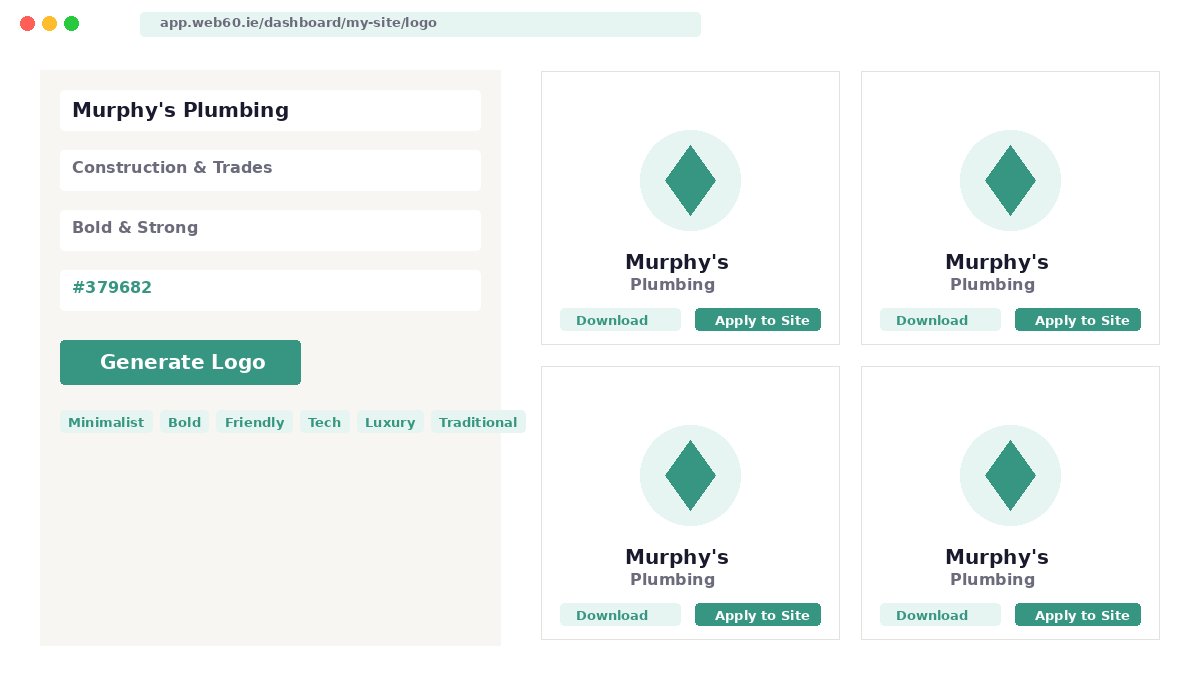
The AI Logo Generator is not a template library. Every logo is created from scratch using two specialist AI image engines — Ideogram and Recraft — coordinated by Claude AI, which understands your business context and crafts a precise design brief. A plumber in Cork gets completely different logos to a solicitor in Dublin, because the AI considers your industry, your style preference, and your brand colours when generating each design.
What makes Web60’s logo tool unique is the one-click integration with your website. Unlike standalone logo makers where you download a file and then figure out how to upload it to your site, Web60 customers can apply their logo directly to their website header with a single click. The system uploads the image, sets it as your site logo and favicon, sizes it correctly, and optionally hides your site title text — all automatically. No WordPress admin required, no fiddling with theme settings, no technical knowledge needed.
Every logo you generate is saved permanently in your history. You can download logos in high-resolution PNG format, refine any design with specific instructions (‘make the colours darker’, ‘remove the tagline’), or revert to a previous logo at any time. Pro plan customers can create brand styles from reference images to ensure visual consistency across all generated logos, and invite team members to collaborate on logo choices.
How it works
Three steps to ai logo generator
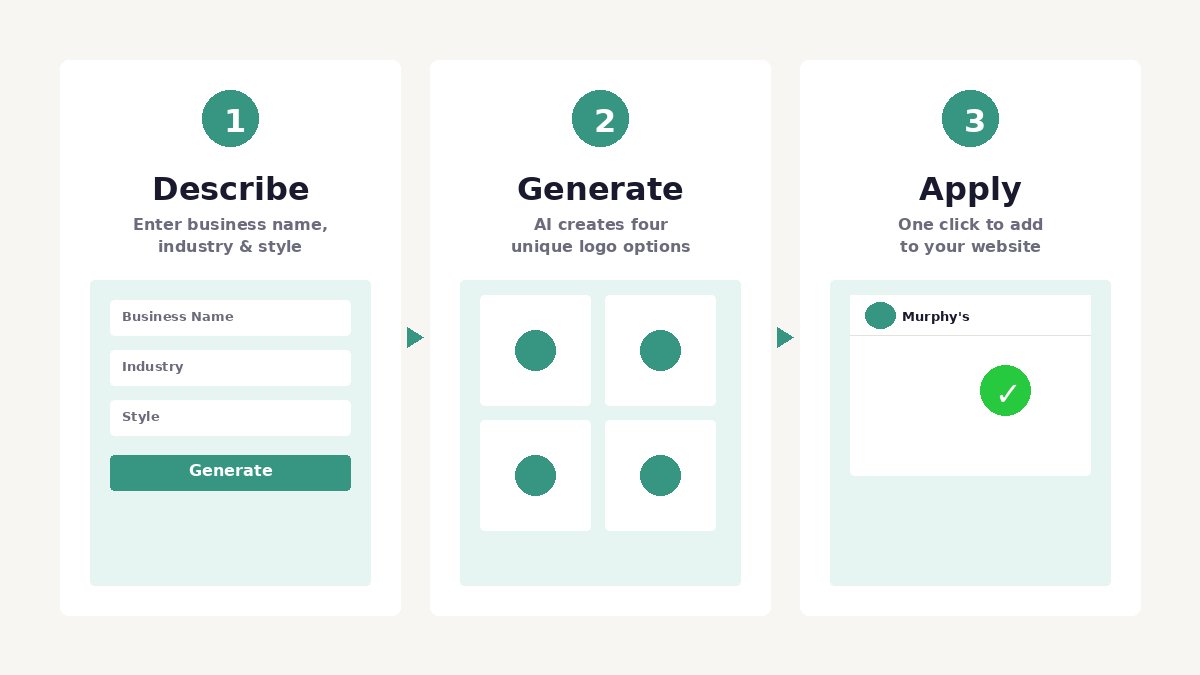
Describe your business
Enter your business name, select your industry and preferred style. Optionally add a tagline, brand colour, or short description for extra context.
AI generates four logos
Two specialist AI image engines produce four unique logo variants from an AI-crafted design brief. Ready in under 90 seconds.
Apply, download, or refine
Apply your favourite to your website with one click, download in high-resolution PNG, or refine with specific instructions as many times as you need within your plan limits.
Real examples
Logos generated by Web60 AI
Ten fictional businesses, six different styles. Every logo below was generated in under 90 seconds with no design input beyond a business name, industry, and style choice.
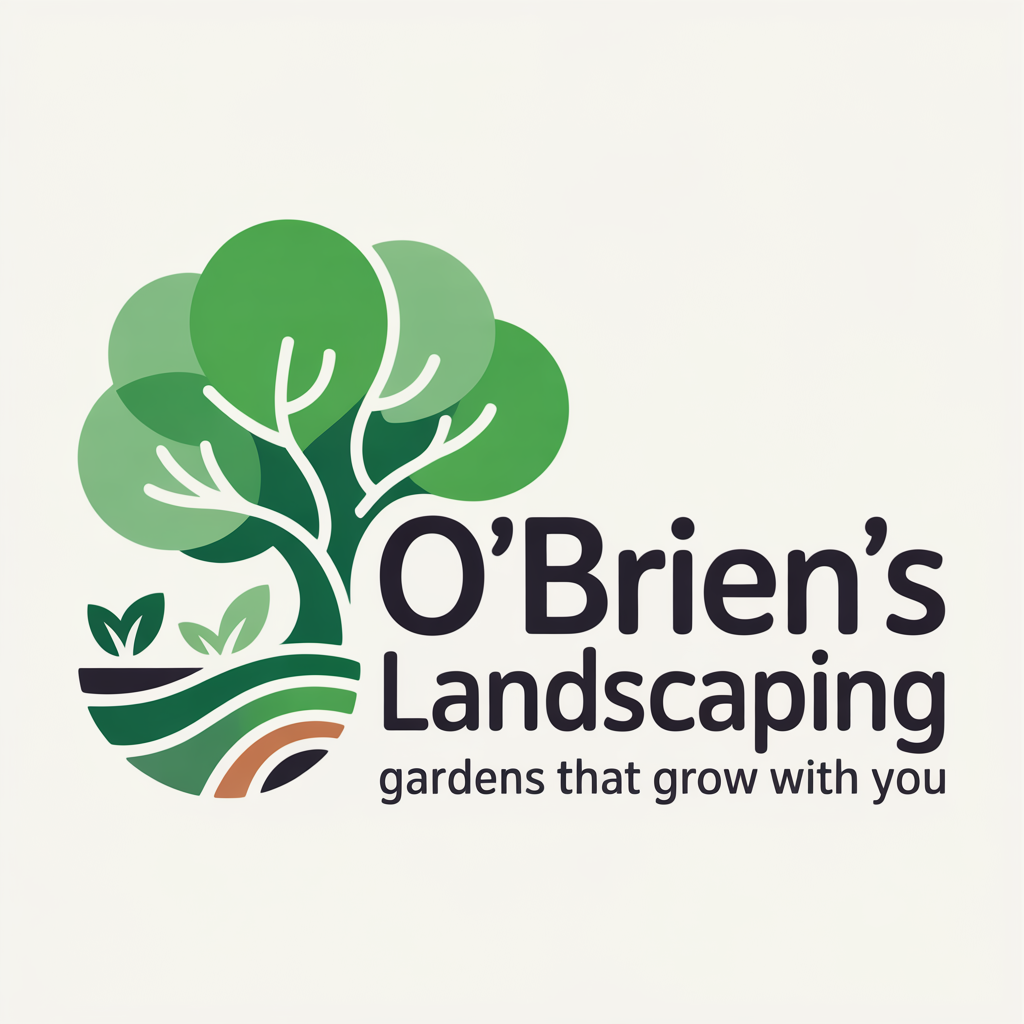
O’Brien’s Landscaping
Friendly Agriculture
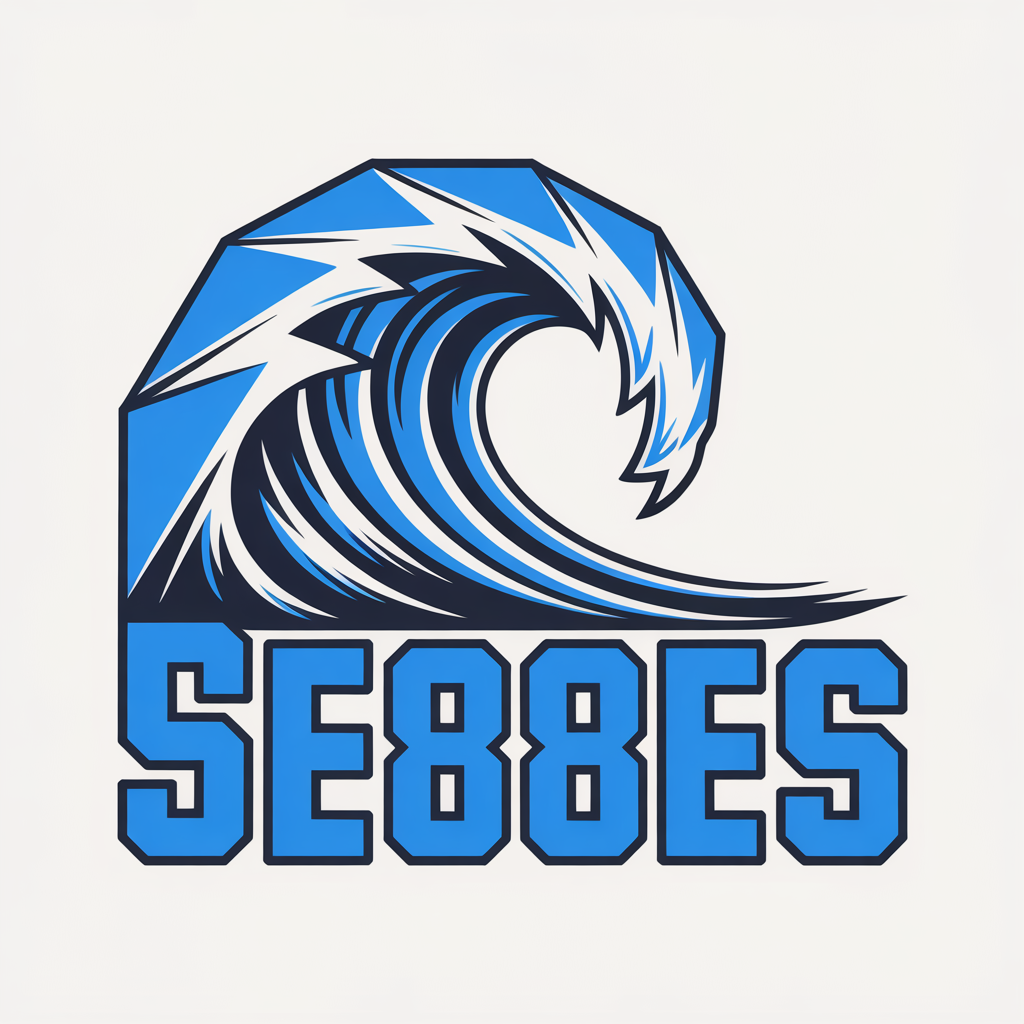
Tidal Wave Surf School
Bold Sports
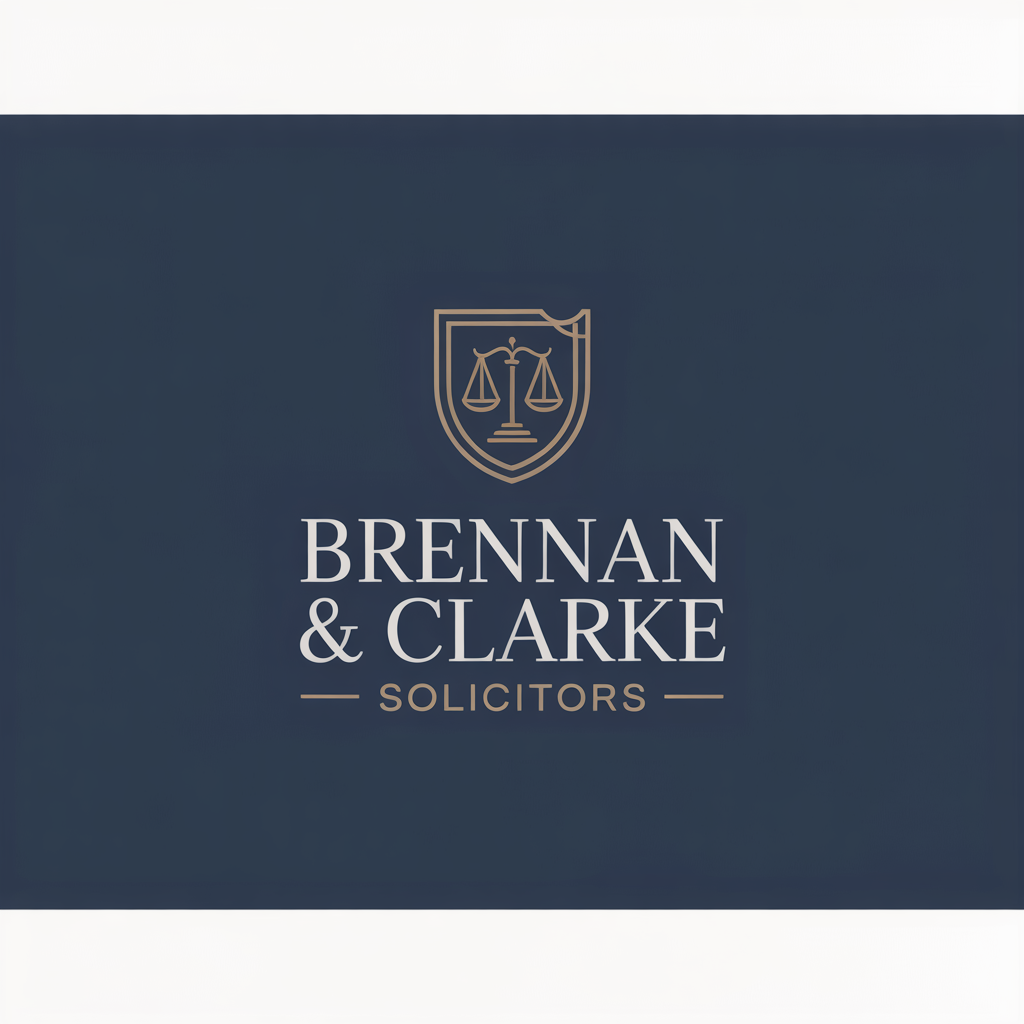
Brennan & Clarke Solicitors
Traditional Legal
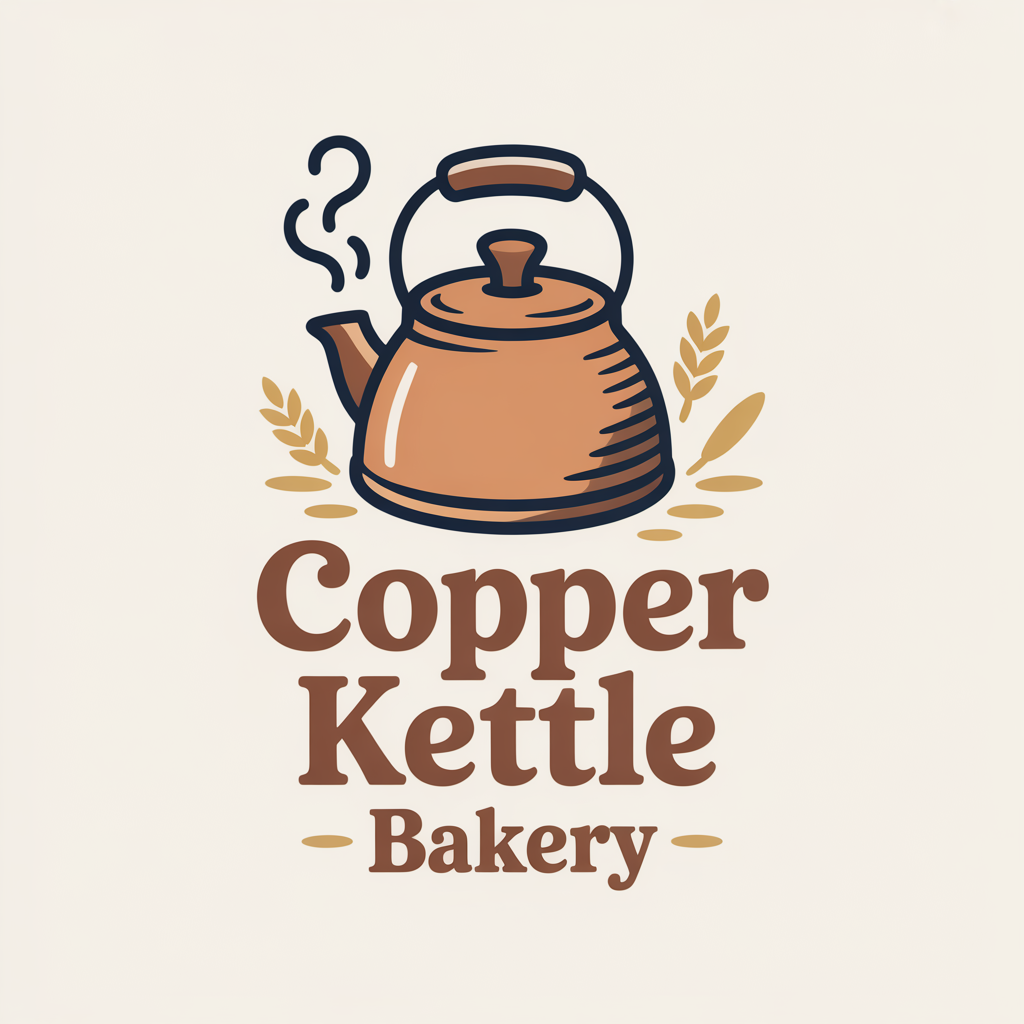
Copper Kettle Bakery
Friendly Food
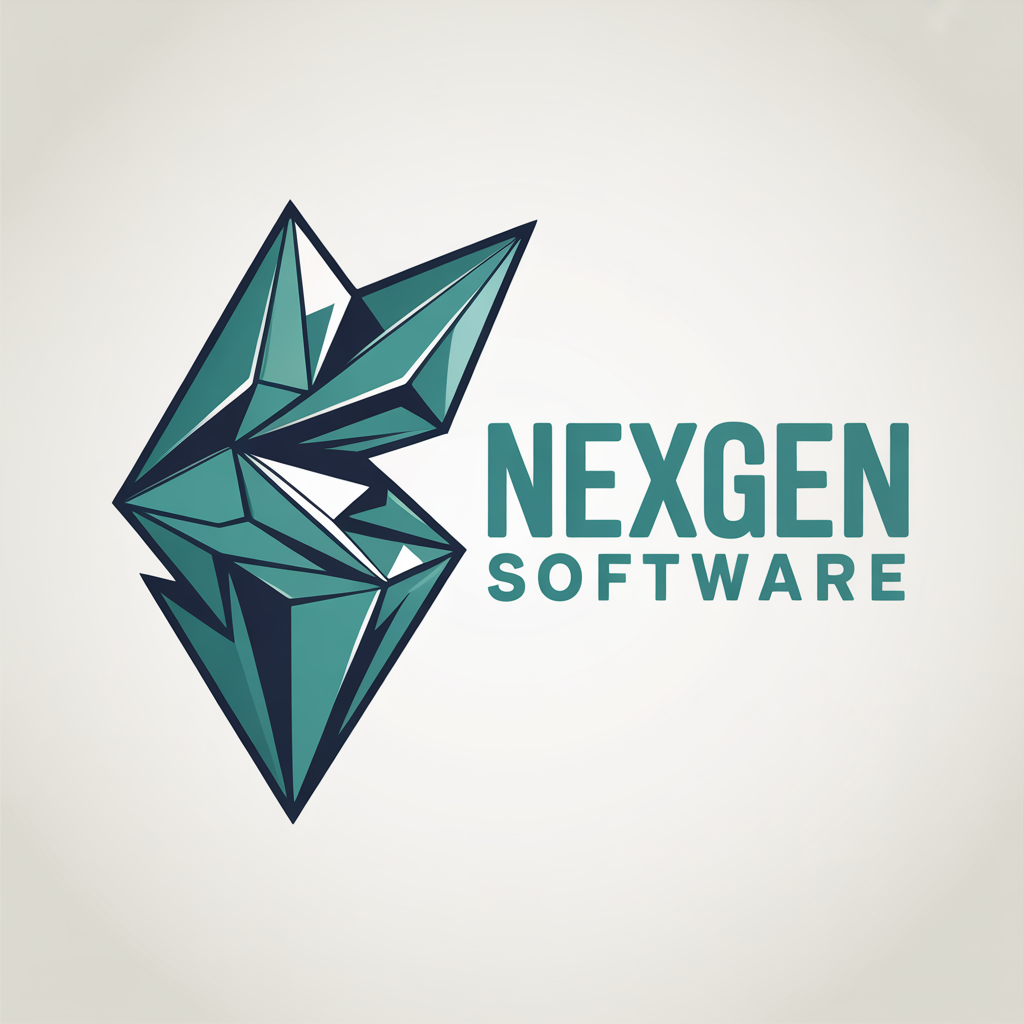
NexGen Software
Tech Technology
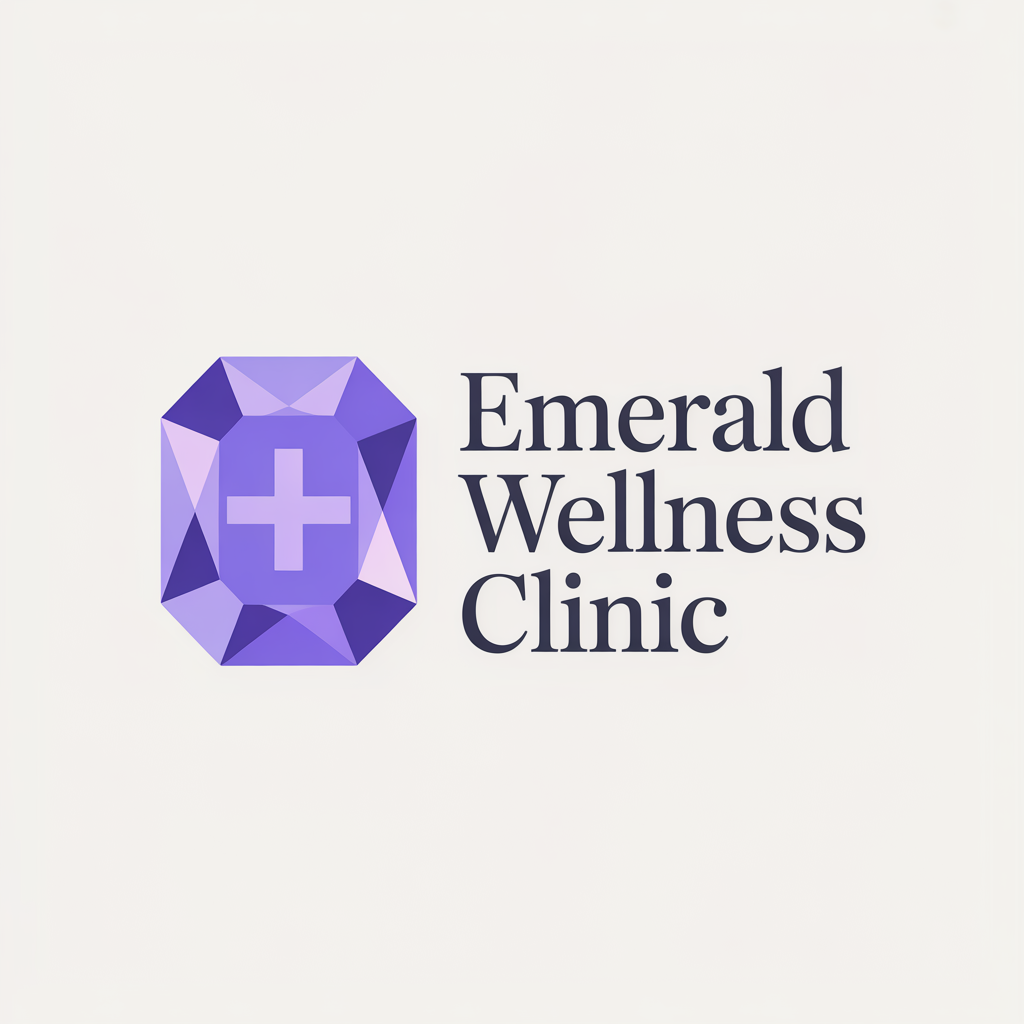
Emerald Wellness Clinic
Luxury Healthcare
Galway Bay Seafood
Traditional Food
Ironforge Construction
Bold Construction
Bloom & Petal Florist
Luxury Retail
Swift Courier Services
Minimalist Logistics
Every logo is unique and AI-generated from scratch. No templates, no clip art, no recycled designs. Try it yourself for free →
How Web60 compares to standalone logo tools
| Feature | Web60 | Others |
|---|---|---|
| AI-generated from your business description | ✓ Included | ✓ Available (separate subscription) |
| One-click website application | ✓ Built in | ✗ Manual download and upload |
| Automatic favicon setup | ✓ Included | ✗ Manual setup |
| High-resolution PNG downloads | ✓ All plans | Often watermarked or low-res on free tier |
| Full logo history and revert | ✓ Unlimited | Limited or paid archive |
| Included with hosting plan | ✓ No extra cost | $20–100/month separate |
What you get
AI Logo Generator benefits
Professional logos in 90 seconds
Enter your business name, pick an industry and style, and get four unique AI-generated logos. No design skills, no templates, no waiting.
One-click website application
Apply your favourite logo directly to your website header. Logo, favicon, and sizing are all handled automatically. No uploads, no settings to configure.
Refine until it’s perfect
Not quite right? Tell the AI what to change — ‘make it rounder’, ‘use darker colours’ — and it generates four refined versions. Iterate as many times as you need.
FAQ
Frequently asked questions
How does the AI Logo Generator work?
You enter your business name, select your industry and a visual style (minimalist, bold, friendly, tech, luxury, or traditional), and optionally add a tagline, brand colour, or short description. The AI analyses your inputs, generates an optimised design brief using Claude AI, and produces four unique logo variants using specialist image generation engines. The entire process takes under 90 seconds.
Is the Logo Generator free to use?
Every Web60 customer can generate up to 3 logos per month at no extra cost. Starter plan customers get 25 generations per month with one-click website application. Pro plan customers get unlimited generations plus brand styles and team sharing. There’s also a free public version on web60.ie for anyone to try.
Can I apply the logo to my website automatically?
Yes. Web60 customers on Starter or Pro plans can apply any generated logo to their website header with one click. The system uploads the image, sets it as your site logo and favicon, sizes it correctly in your header, and optionally hides the site title. No manual uploads or WordPress admin work required.
What file formats can I download?
All logos are available in high-resolution PNG format with transparent backgrounds. PNG is widely supported everywhere — websites, social media, business cards, print materials, and more.
What if I don’t like any of the four options?
You can generate again with different settings, or refine any variant with specific instructions. Each generation or refinement counts as one session against your monthly limit. You can tell the AI exactly what to change — colours, shapes, text, layout — and it produces four new versions based on your feedback.
Can I use the logo outside of my Web60 website?
Absolutely. Download your logo files and use them on business cards, letterheads, social media profiles, merchandise, or anywhere else. Logos you generate are yours to use for any commercial purpose with no restrictions.
What styles are available?
Six curated style directions: Minimalist (clean, geometric, modern), Bold & Strong (heavy, high contrast, assertive), Friendly (rounded, warm, approachable), Tech & Modern (angular, precise, futuristic), Luxury (refined, elegant, restrained), and Traditional (classic, badge-influenced, trustworthy). Each style dramatically changes the look of the generated logos.
Can I revert to a previous logo?
Yes. Every logo you generate is saved permanently. If you apply a new logo and prefer the old one, you can revert with one click. Your website returns to its exact previous state — previous logo, favicon, and title visibility all restored.
Ready to get started?
Build your website in 60 seconds — no card required.