

Your Brand, Right Down to the Login Screen
Every Web60 website has a branded login page that matches your business — not a generic WordPress screen. Looks professional from the very first click.
First impressions matter, and for many websites, the login page is one of the first things clients and team members see. The default WordPress login screen is instantly recognisable — and not in a good way. It signals ‘template website’ rather than ‘professional business.’ Web60 replaces it with a branded login page that matches your website’s design, colours, and logo.

The custom login page is created automatically when your site is built. Your business logo appears prominently, your brand colours set the tone, and the overall design matches your website. There’s no WordPress logo, no generic styling, and no indication that you’re using WordPress at all. It looks like a custom-built login page for your business.
This matters more than you might think. If you give clients portal access, send team members to log in, or have any user-facing login functionality, the login page represents your brand. A professional login page builds trust and credibility. A generic WordPress page undermines both.
You can customise the login page further from your dashboard: update the logo, change the background image, and adjust the colour scheme. Every change is reflected instantly. And because it’s included with every Web60 website, there’s no extra cost and no plugin to install.
How it works
Three steps to custom login page
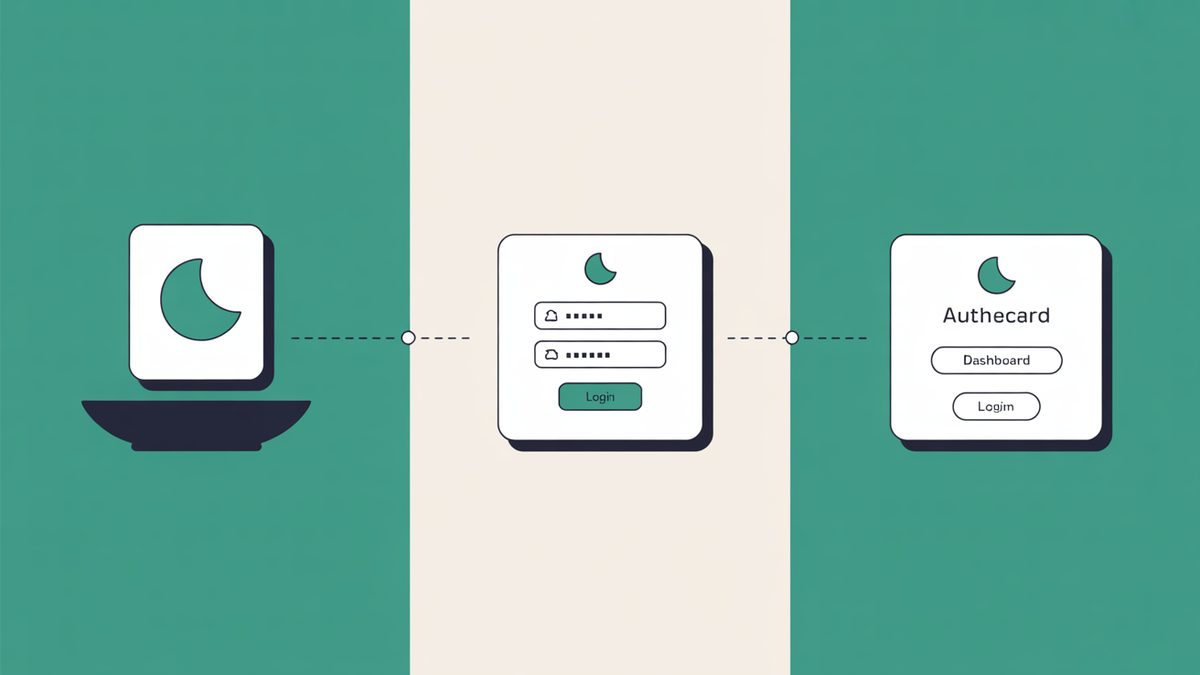
Your branded login page is created automatically
When your site is built, the WordPress login page is replaced with a branded version matching your website.
It matches your website’s colours and logo
Your business logo and brand colours are applied automatically. No configuration needed.
Every login looks like part of your website
Clients, staff, and admin users see a professional, consistent brand experience.
What you get
Custom Login Page benefits
Custom login page with your logo and brand colours
Your login page features your business logo and brand colours automatically. No generic WordPress branding.
No generic WordPress branding visible
The WordPress logo and default styling are replaced entirely. Visitors see your brand, not a template platform.
Looks professional to clients and staff
When clients or team members log in, they see a polished, branded experience that reflects your business.
FAQ
Frequently asked questions
What does the login page of my Web60 website look like?
Your login page is automatically branded with your business logo and colours, matching the design of your website. Visitors and staff don’t see a generic WordPress screen.
Can my clients log in to my website?
Yes. If you give clients or team members login access, they’ll see a professional branded login page that reflects your business — not a standard WordPress page.
Can I customise the login page further?
Yes. From your dashboard, you can update the logo, background image, and colour scheme of your login page at any time.
Is this included at no extra cost?
Yes. A branded custom login page is included with every Web60 website at no additional charge.
Ready to get started?
Build your website in 60 seconds — no card required.