

12-Hour Backups
Two automated backups every day with 7-day retention. If anything goes wrong, restore your entire WordPress site with one click.
Every Web60 site is backed up automatically twice a day, every 12 hours. Your WordPress files, database, uploads, plugins, and configuration are all captured and stored securely. If anything goes wrong - a bad plugin update, an accidental deletion, or a security incident - you can restore your entire site to any point in the last 7 days with a single click from your customer portal.
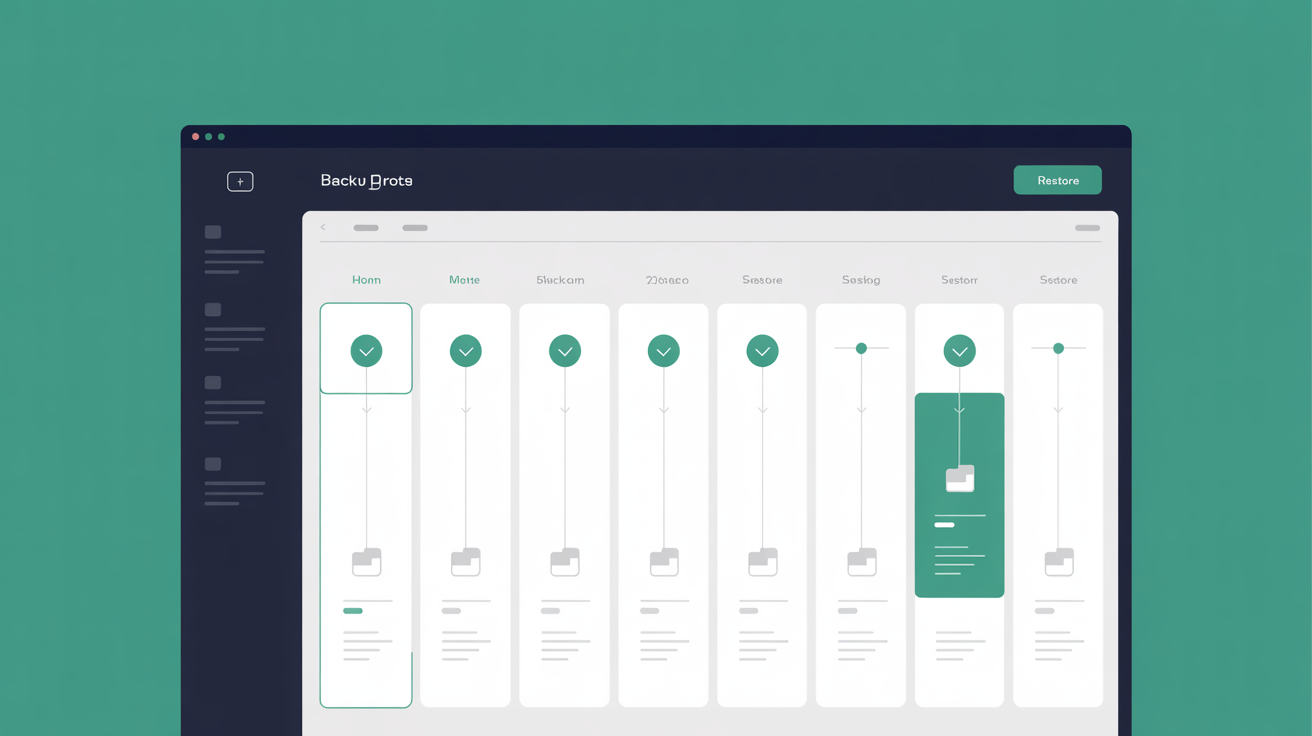
Backups are something most small business owners don't think about until they need one. By then, it's too late. With Web60, backups are automatic and included at no extra cost. You don't need to install a backup plugin, configure cloud storage, or remember to run manual backups. Twice a day, your site is safely backed up and verified, so you never lose more than 12 hours of work.
Many hosting providers charge extra for backups or only offer weekly snapshots. Web60 includes twice-daily backups with 7-day retention as standard. That means you always have at least 14 recent restore points available. Backups are stored separately from your live site, so even a complete server issue won't affect your backup copies.
Restoring from a backup is straightforward. Log into your Web60 customer portal, navigate to your site's backup section, choose the backup you want to restore from, and click restore. The process takes a few minutes, and your site is back to exactly how it was. No support tickets, no waiting, no technical knowledge required.
How it works
Three steps to 12-hour backups
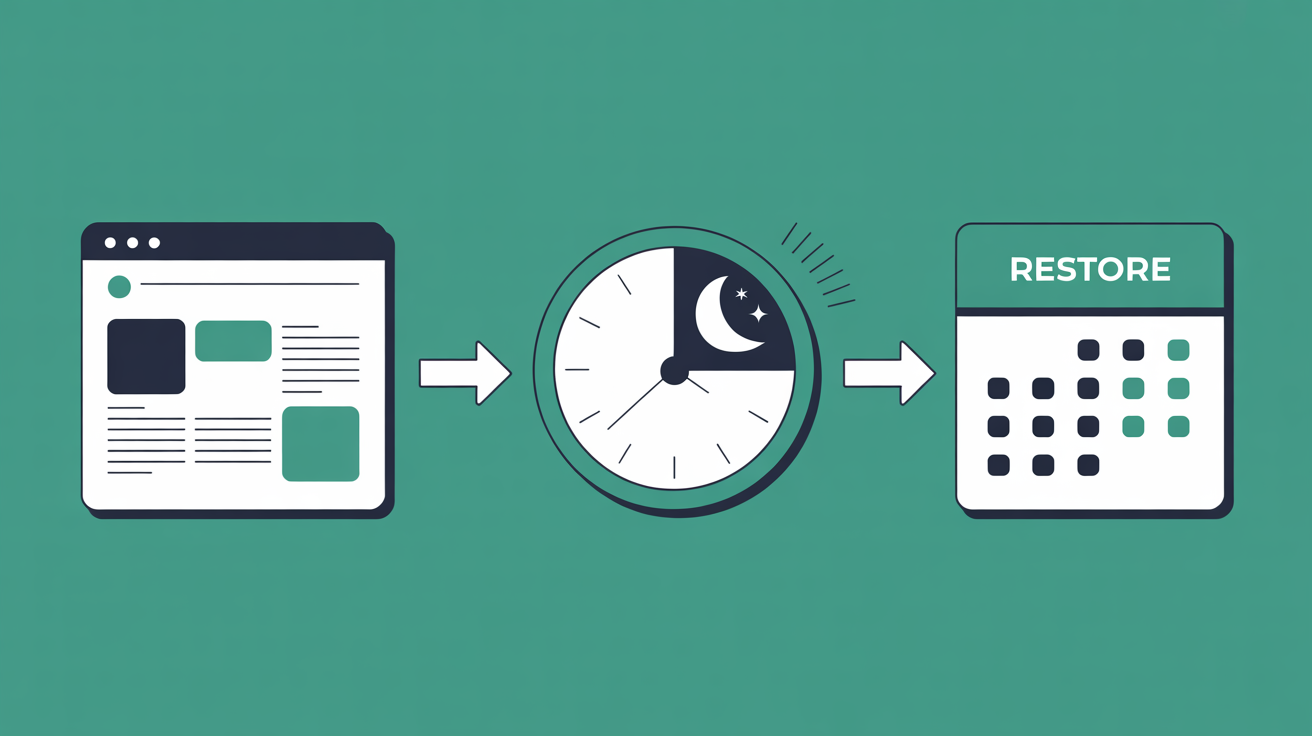
Your site is backed up twice a day
Every 12 hours, your files, database, uploads, and configuration are all captured automatically.
14 restore points always available
Backups are retained for 7 days. Choose from up to 14 restore points across the last week.
Restore in one click
Log into your portal, pick a backup, click restore. Your site is back in minutes.
What most hosts charge extra for
| Feature | Web60 | Others |
|---|---|---|
| Twice-daily automated backups | ✓ Included free | €3-10/month extra |
| 7-day retention | ✓ Standard | Weekly only (most basic plans) |
| One-click restore | ✓ From portal | Support ticket required |
| Separate backup storage | ✓ Off-server | Same server (risky) |
| No backup plugin needed | ✓ Server-level | UpdraftPlus/BackupBuddy required |
What you get
12-Hour Backups benefits
Two backups every day
Full site backup every 12 hours. Files, database, uploads, and configuration. No plugins needed, nothing to configure.
7-day retention
Up to 14 restore points across the last 7 days. Multiple restore points give you flexibility to recover from any issue.
One-click restore
Restore your entire site from the customer portal. No support tickets, no technical knowledge, no waiting.
FAQ
Frequently asked questions
How often are backups taken?
Twice a day, every 12 hours. Web60 runs automated backups of your entire WordPress site - files, database, uploads, plugins, and themes - twice daily. Backups are verified automatically to ensure they're complete and restorable.
How do I restore from a backup?
Log into your Web60 customer portal, go to your site's backup section, select the backup you want to restore from, and click the restore button. The process typically takes 2-5 minutes depending on site size.
Are backups stored separately from my site?
Yes. Backups are stored on separate infrastructure from your live site. This means even in the unlikely event of a server issue, your backup copies remain safe and accessible.
Do I need a backup plugin on WordPress?
No. Web60's server-level backups are more reliable and comprehensive than WordPress backup plugins. They capture everything, including server configuration that plugins can't reach. There's no need for UpdraftPlus, BackupBuddy, or similar plugins.
What if I need a backup older than 7 days?
The standard retention is 7 days. If you have a specific requirement for longer retention, contact our support team. For most businesses, 7 days of twice-daily backups provides more than enough recovery options.
Ready to get started?
Build your website in 60 seconds — no card required.