

Irish SME
Local SEO for Irish Businesses: Why Nearby Customers Still Cannot Find You
You are open for business. Your Google Business Profile is set up. You might even have a decent website. And yet, when someone five minutes down the road searches for exactly what you sell, they find your competitor instead.
This is not bad luck. It is a local SEO problem, and it is far more common among Irish businesses than you might think. According to the CSO's Business in Ireland 2025 report, roughly three quarters of Irish firms have reached a basic level of digital intensity, but only about 4 in 10 have achieved anything approaching advanced digital capability [1]. The gap between having a website and having a website that actually shows up in local search is where most businesses lose customers without ever knowing it.
I spend my days talking to business owners about hosting and web presence. The question I hear most often is not about speed or plugins or server uptime. It is this: "Why can nobody find us on Google?" The answer, almost always, comes down to local SEO fundamentals that nobody explained to them.
Why "Near Me" Searches Are the New Footfall
Something shifted in how people find local businesses, and it happened faster than most owners realise. "Near me" searches on Google have surged dramatically over recent years, with Google reporting that mobile searches for local services have grown by several hundred percent depending on the sector. That is not a vague trend. It is the way your customers now decide where to spend money.
Here is the part that matters to you: according to Google's published data, around three quarters of people who search for a business nearby visit one within 24 hours. And close to 3 in 10 of those searches result directly in a purchase. Your potential customers are not browsing idly. They are ready to buy. They are looking right now.
The Google Map Pack, those three local results that appear at the top of search with a map, captures somewhere between 40% and 45% of all clicks on local search results, as First Page Sage's CTR research shows [2]. The organic listings underneath get roughly 29%. If your business is not in that top three map listing, you are fighting over what is left.
Your Google Business Profile Is Not Enough on Its Own
I hear this from business owners regularly: "I have set up my Google Business Profile, so I am sorted for local search." If only it were that simple.
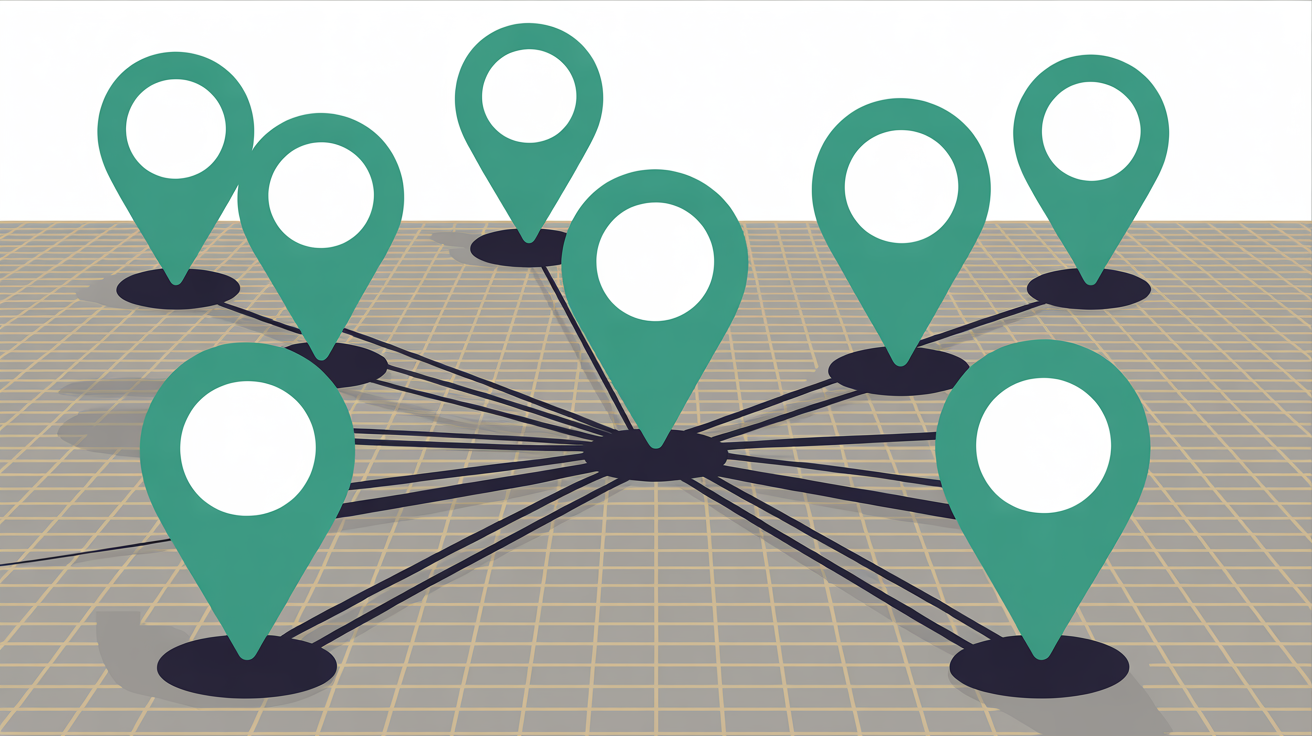
Your Google Business Profile is essential. But it is one piece of a system. Google explicitly states that your position in regular web results is also a factor in local rankings [3]. That means your website's quality, speed, and content directly influence whether you appear in the local Map Pack.
Think about it this way. Two accountancy firms in the same town both have complete Google Business Profiles with similar reviews. The one with a fast, mobile-friendly WordPress site that loads in under two seconds and has clear service pages for each offering will consistently outrank the one with a sluggish five-year-old site that takes four seconds to render on a phone. Google connects the dots between your profile and your website. If your website is letting you down, your profile suffers too.
This is where I see most local firms get stuck. They invest time in the profile, collect some reviews, and then wonder why the business two streets over with fewer reviews keeps appearing above them. The answer is almost always the website. You can explore Web60's full feature set to see what this means in practice. You can compare Web60 pricing to see what this means in practice.
What Google Actually Checks for Local Rankings
Google has published its local ranking factors, and they come down to three things: relevance, distance, and prominence [3]. You cannot control distance, that is the searcher's location relative to yours. But relevance and prominence are entirely within your control.
Relevance is how well your business information matches what someone is searching for. If your website says "professional services" but a potential client searches for "tax return accountant near me", Google might not make the connection. Specific, clear descriptions of what you do, on both your Google Business Profile and your website, drive relevance.
Prominence is Google's measure of how well-known your business is. This is where your website, reviews, external mentions, and content quality all feed into one signal. A business with consistent information across directories, genuine customer reviews, and a website that demonstrates real expertise will score higher on prominence than one with an outdated site and two reviews from 2019.
BrightLocal's 2026 Local Consumer Review Survey found that roughly 7 in 10 consumers now only consider businesses with four or more stars, a sharp increase from around 55% the previous year [4]. Reviews are not a nice extra. They are a ranking factor and a conversion factor simultaneously.
Here is the honest caveat, though. If you are a sole trader operating from your van and your nearest competitor is two miles away, these factors matter less than geography. Local SEO cannot overcome distance for genuinely location-dependent services. What it can do is make sure that when geography is equal, you win.
Five Things Your WordPress Site Needs for Local Search Right Now
This is where the practical work starts. You do not need to become an SEO expert. But you do need to get these five things right.
1. Your name, address, and phone number must be identical everywhere.
This sounds trivial, but it is the single most common problem I see. Your website footer says "123 Main Street", your Google Business Profile says "123 Main St.", and your Facebook page says "123 Main St, Dublin 2". Google treats these as inconsistencies, and inconsistencies erode trust. Pick one exact format and use it on your website, your profile, and every directory listing without variation.
2. Your site needs to load properly on a phone.
Not "look acceptable on a phone". Load fast, display correctly, and work without pinching or scrolling sideways. Google has been indexing the mobile version of your site first for years now. If your WordPress theme looks beautiful on a desktop but loads slowly on mobile, Google is judging you on the slow mobile version. Your website speed is costing you customers in ways you cannot see from your office desktop.
3. You need local content on your website.
A generic "About Us" page that could belong to any business in any country does nothing for local SEO. Write about what you do and where you do it. If you serve specific areas, say so. If you have a physical premises, describe it. Google needs signals that connect your website to a specific location, and vague content does not provide them.
4. Your WordPress site needs proper schema markup.
Schema markup is structured data that tells Google explicitly what your business is, where it is located, and what services it offers. For a WordPress site, plugins like Yoast SEO or Rank Math can generate LocalBusiness schema without you writing a single line of code. Where your hosting provider supports it, this structured data makes it significantly more likely that Google will display your business information prominently in local results.
5. You need to earn reviews and respond to them.
Ask satisfied customers for reviews. Make it easy by sending them a direct link to your Google Business Profile review page. Then respond to every review, positive or negative. BrightLocal's research shows roughly a third of consumers now expect a response within 24 hours of posting a review [4]. Responsiveness signals to both Google and potential customers that your business is active and engaged.

The Hosting Connection Most People Miss
Your website's hosting infrastructure directly affects two things Google measures for local rankings: page speed and uptime. A WordPress site on slow shared hosting that goes down regularly is sending Google negative signals about your business's reliability. And when it is down at all, you are invisible. Not just invisible in search, but invisible to the customer who clicks through and gets an error page instead of your opening hours. For related reading, see our guide on Shared Hosting vs Managed WordPress: What You Actually Need to Know. For related reading, see our guide on Google.
Here is a typical case I see repeatedly. A florist in Galway could not understand why her competitor kept outranking her despite having similar reviews and services. The difference came down to hosting. Her site was on a budget shared server, loading in four to five seconds on mobile. The competitor's site loaded in under two seconds. Content quality being equal, the faster, more reliable site wins every time.
Now, I will be straight with you. If your business operates entirely through social media and does not need a website for customer acquisition, a platform like Instagram or Etsy might serve you well enough. Not every business needs a full WordPress site to attract local customers. But if you do have a website, or if you want customers to find you through Google search rather than just social media, then your hosting matters for local SEO. Web60's all-inclusive managed WordPress hosting at EUR60 per year includes the performance stack (Redis caching, Nginx optimisation, Irish-based infrastructure) that keeps your site loading fast enough to compete in local results without you having to think about server configuration.
One Thing Local SEO Cannot Fix
Here is a reality check worth stating plainly. Local SEO will not save a business that customers do not want to revisit. If your reviews are poor because service is poor, ranking higher just means more people see the bad reviews faster. If your website promises one thing and the reality is different, you will collect negative reviews at a pace that undoes every optimisation you have made. Local SEO is an amplifier. It amplifies what is already there. Get the fundamentals of your actual business right first, then make sure Google can see them.
Conclusion
The businesses that show up in local search are not always the best at what they do. They are the ones that made it easy for Google to connect their website, their profile, their reviews, and their location into a coherent signal. That is not magic. It is five practical steps that any business owner can work through in a weekend.
Your competitors are already appearing in those "near me" results. Whether you join them comes down to whether your website and your profile are working together or quietly working against each other.
Frequently Asked Questions
How long does it take for local SEO changes to show results?
Most businesses see initial improvements in local rankings within 4 to 8 weeks of making changes, though competitive areas can take longer. Google recrawls business profiles and websites on its own schedule, and factors like review accumulation and citation building take time to compound. Expect gradual improvement rather than overnight jumps.
Do I need to pay for SEO tools to improve my local search ranking?
Not necessarily. The most impactful local SEO actions are all free: completing your Google Business Profile, ensuring NAP consistency, collecting reviews, and creating local content. WordPress plugins like Yoast SEO have free tiers that handle basic schema markup. Paid tools help with tracking rankings and managing citations at scale, but most local businesses can start without them.
Does my website hosting location affect local SEO rankings?
Google does not directly rank sites higher because they are hosted in a specific country. However, server location affects page load speed for nearby users, and speed is a ranking factor. A WordPress site hosted on Irish infrastructure will typically load faster for Irish searchers than one hosted in the US or Singapore. Faster loading improves both rankings and the experience your visitors actually have.
What is the most important local SEO factor I should focus on first?
Start with your Google Business Profile. Complete every field, add photos, set accurate business hours, and write a detailed business description. This is the single highest-impact action for local visibility. After that, ensure your website loads fast on mobile and that your name, address, and phone number are consistent across your site, your profile, and any directory listings. You might also find our article on The Complete WordPress Performance Guide for Business Owners useful. You might also find our article on The Complete WordPress Performance Guide for Business Owners useful.
Can I do local SEO myself or do I need to hire an agency?
Most local businesses can handle the fundamentals themselves: profile setup, review collection, NAP consistency, and basic website optimisation. You would benefit from professional help if you are in a highly competitive area, need technical schema markup beyond what plugins provide, or want to build a systematic local content strategy. Start with the basics yourself and evaluate whether you need help based on the results.
Sources

Eamon leads sales at Web60 and SmartHost, working directly with Irish business owners making the switch from cheap shared hosting to managed WordPress. With a background in enterprise technology sales — including Oracle and multiple Irish SaaS businesses — he understands the questions Irish SMEs ask before committing to a hosting platform. He writes about hosting comparisons, total cost of ownership, web design for Irish businesses, and how to evaluate what you’re actually buying.
More by Eamon Rheinisch →Ready to get your business online?
Describe your business. AI builds your website in 60 seconds.
Build My Website Free →More from the blog
Take Your Own Website Photos Before the Clocks Go Back
Take your own website photos with your phone: the shot list, light and framing tips, and why to do it before the clocks go back on 25 October.
Refer-a-Friend Scheme Rules: Reward the Friend Who Walks In, Not the Email You Send
Refer-a-friend scheme rules in Ireland: why emailing a customer's friend breaks ePrivacy law, and how to run a referral reward on your website the legal way.