

Not sure if Web60 is right for you? Try it first, completely free with no payment details needed. In just a few minutes, you can see a real website built around your business.
How to create your free demo
-
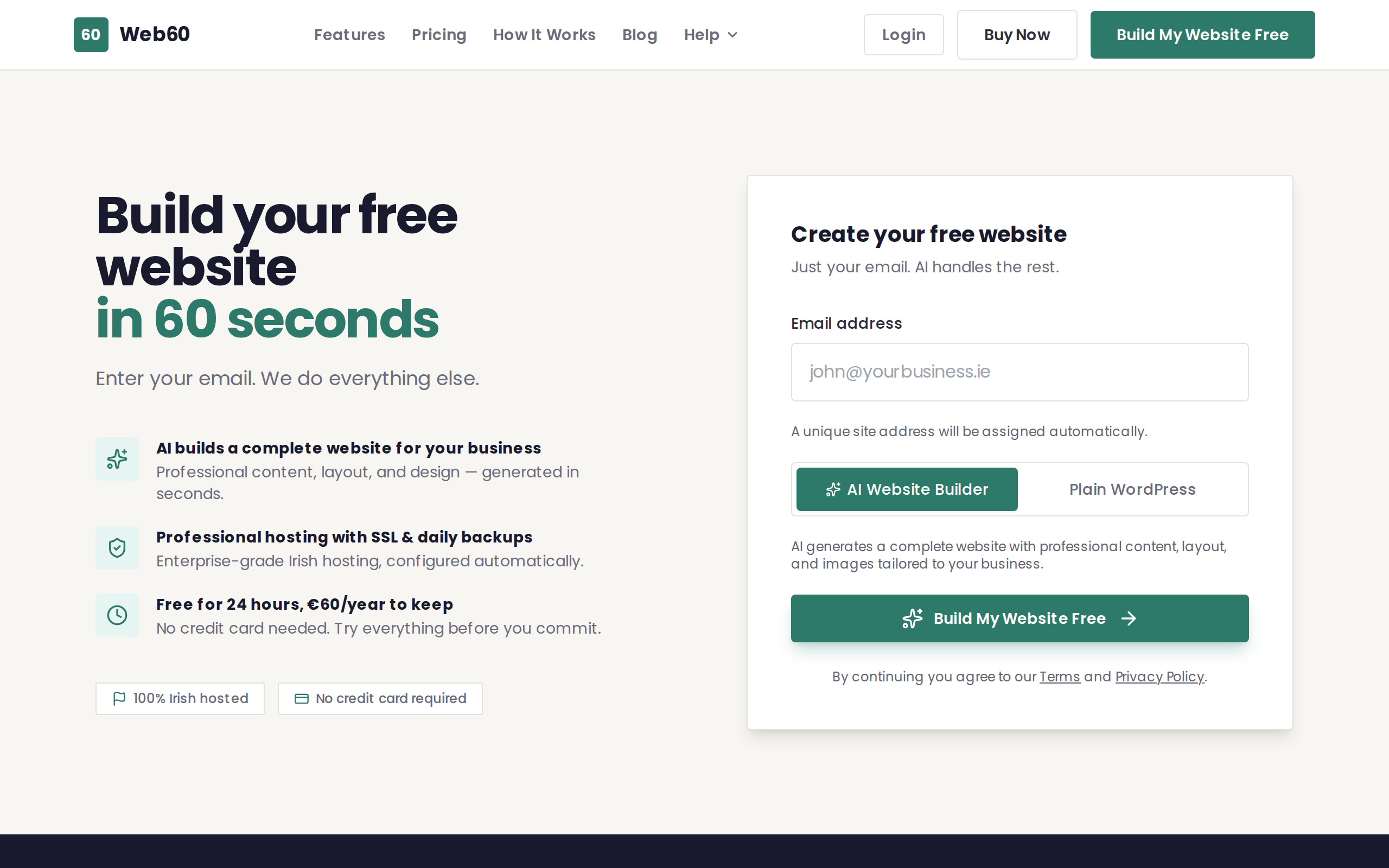
Go to web60.ie/demo in your web browser.
-
Enter your details. You will be asked for your name and email address so we can send you a link to your demo site.
-
Describe your business. Tell us a little about what you do. For example, "I run a plumbing business in Cork" or "I own a hair salon in Dublin." The more you tell us, the better your demo site will look.
-
Wait a moment. The Web60 Site Builder uses your description to create a professionally designed website tailored to your business. This usually takes less than a minute.
-
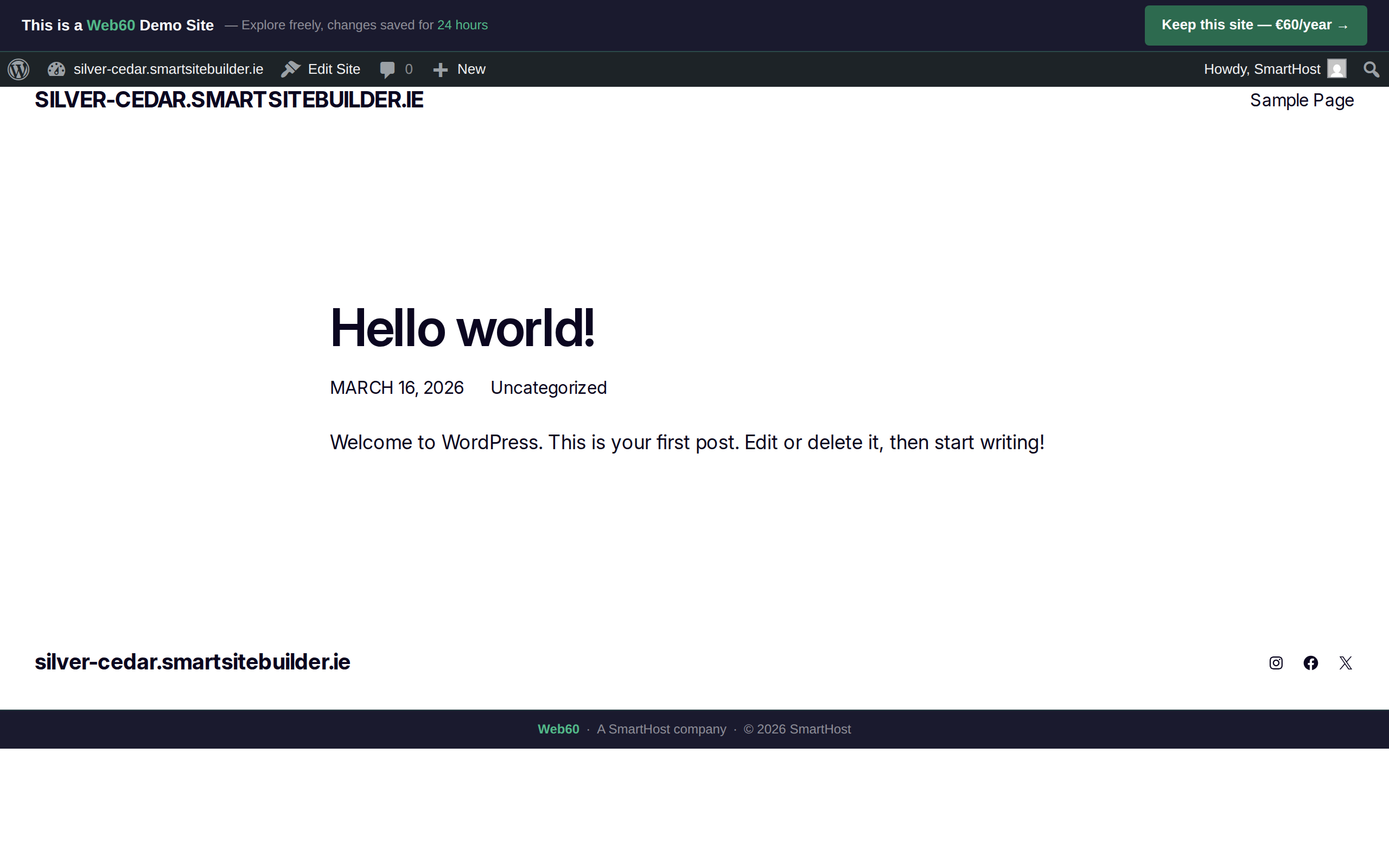
View your demo site. Once it is ready, you will see your brand-new website on a temporary address that looks like yoursite.smartsitebuilder.ie. This is your personal demo, and only you have the link.
What you can do with your demo
Your demo site is a real, working website. You can:
- Browse every page to see how your site looks to visitors.
- Share the link with a friend or colleague to get their opinion.
- See the Web60 Site Builder in action. The layout, images, and text are all created based on what you told us about your business.
What happens next
When you are happy with what you see, you have two choices:
-
Upgrade to a paid plan. Convert your demo into a full Web60 website for €60 per year + VAT. All the content from your demo is kept, so you do not lose any of your work. Read our buying guide for the full steps.
-
Take your time. There is no pressure. Your demo stays active for a limited period, giving you time to decide. You can also read about the differences between a demo and a paid plan.
Need help?
If you run into any trouble creating your demo or have questions about what you see, visit our support page and we will get you sorted.
Frequently asked questions
How long does my demo last?
Your demo site stays active for a limited time. You can upgrade to a paid plan at any point to keep your site permanently.
Can I turn my demo into a real website?
Yes. When you're ready, you can convert your demo into a full paid plan without losing any of your work.
Do I need to enter my credit card to try the demo?
No. The demo is completely free and you do not need to enter any payment details. Just provide your name, email, and a short description of your business.
Last updated: 15 March 2026