

The Domain Availability Checker lets you search for domain names to see if they are available to register. This is the first step in getting a professional web address for your business.
What this tool does
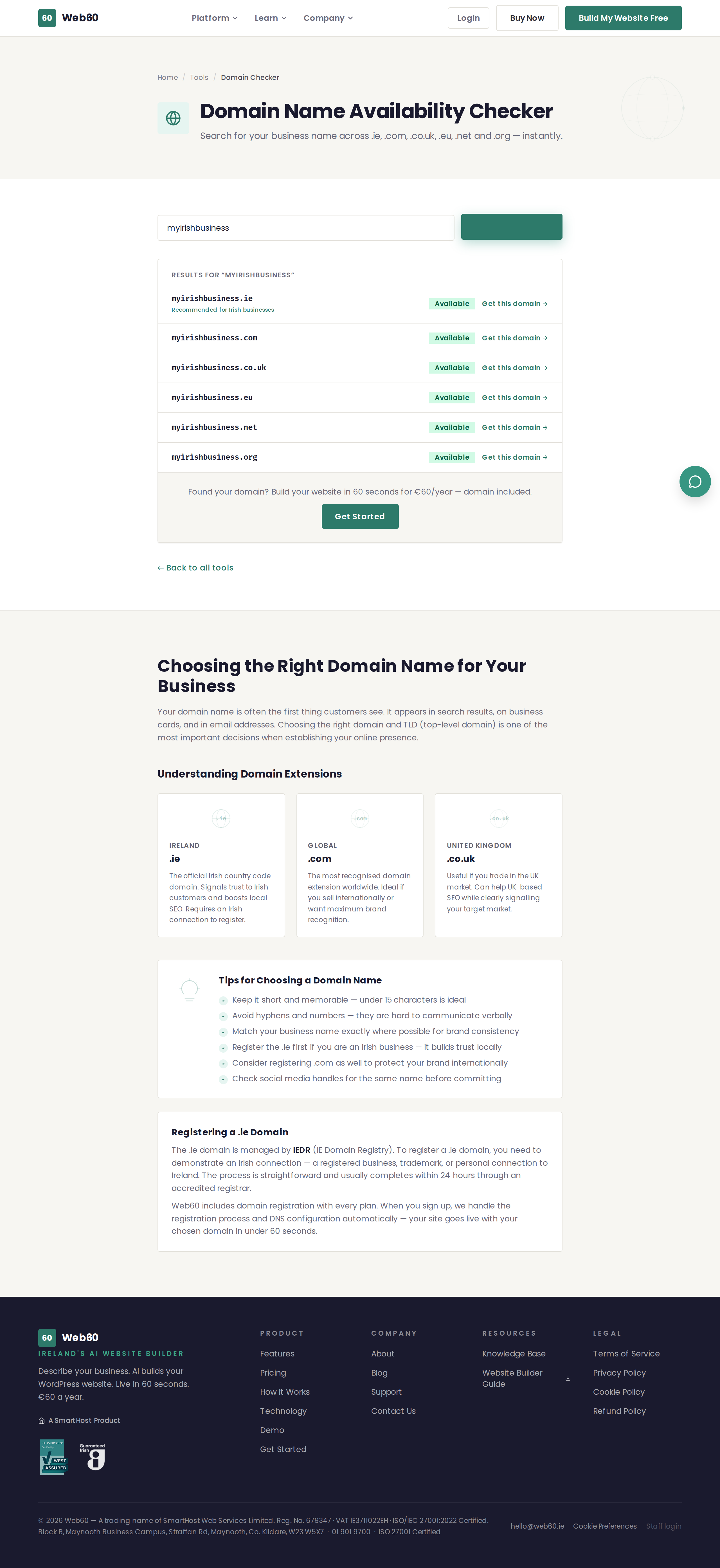
When you enter a business name or keyword, the tool checks whether that domain is available across several popular extensions:
- .ie - The Irish country code domain, ideal for businesses in Ireland.
- .com - The most recognised global domain extension.
- .co.uk - The UK country code domain, useful for businesses serving UK customers.
- Other extensions - Including .net, .org, and newer options like .shop or .online.
For each extension, the tool shows whether the domain is available (you can register it) or taken (someone else already owns it).
How to use it
- Go to web60.ie/tools/domain-checker.
- Type your desired domain name or business name into the search field.
- Click Check Domain.
- Review the results for each extension.
Tips for choosing a good domain name
- Keep it short - Shorter names are easier to remember, type, and fit on business cards.
- Use your business name - Your domain should match what customers know you as.
- Avoid hyphens and numbers - These are hard to communicate verbally and easy to get wrong.
- Choose .ie for Irish businesses - A .ie domain signals to customers and search engines that you are an Irish business, which helps with local search rankings.
- Check social media too - Before committing to a domain, make sure the matching name is available on the social media platforms you plan to use.
What to do when your preferred domain is taken
- Try a different extension - If
yourbusiness.comis taken,yourbusiness.iemight still be available. - Add a word - Try adding a descriptive word like
yourbusinessireland.ieoryourbusinesshq.com. - Abbreviate - If your business name is long, consider a shorter version.
Registering your domain
Once you find an available domain, you can register it through any domain registrar. Popular options include SmartHost, GoDaddy, and Namecheap.
If you are setting up a new website with Web60, we can guide you through the domain registration and connection process during onboarding.
Need help?
If you need advice on choosing or connecting a domain, visit our support page.
Frequently asked questions
Can I buy a domain directly through this tool?
The tool checks whether a domain is available. To register it, you would use a domain registrar. If you become a Web60 customer, we can help you set up your domain as part of onboarding.
Which domain extension should I choose for my Irish business?
A .ie domain is the best choice for Irish businesses because it tells customers and Google that you are based in Ireland. Having a .com as well is a good idea if your budget allows.
What does it mean if a domain shows as taken?
It means someone else has already registered that domain name. You will need to choose a different name or try a different extension (for example, .ie instead of .com).
Last updated: 25 March 2026