

You can view all your invoices from inside your Web60 dashboard. This guide shows you where to find them and what the different statuses mean.
How to find your invoices
- Sign in to your Web60 dashboard.
- Click "Billing" in the left-hand sidebar.
- Scroll down to the Invoice History section.
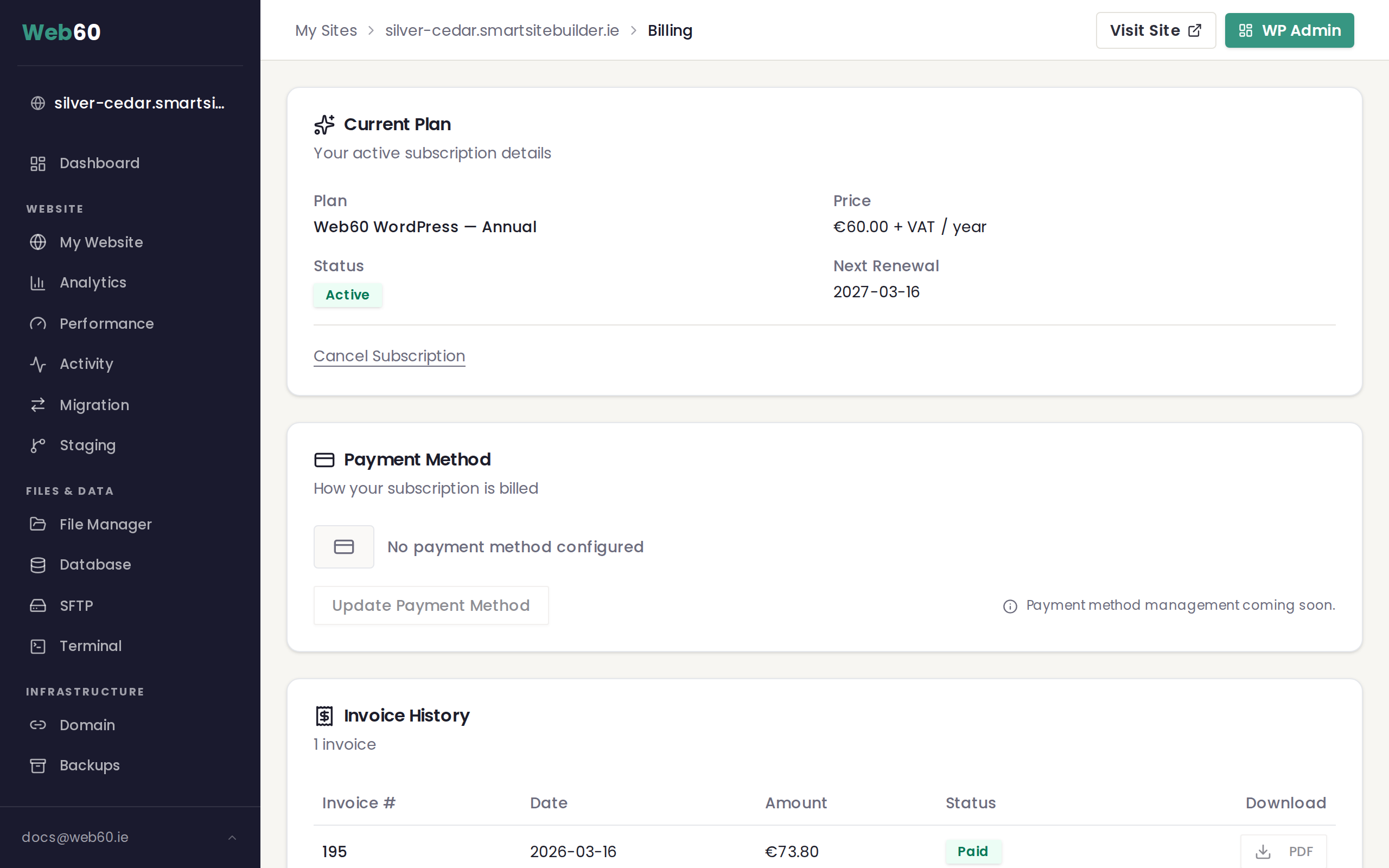
What you will see
The Invoice History section shows a table with the following columns:
- Invoice number is a unique reference for each invoice.
- Date is when the invoice was issued.
- Amount is the total in euro.
- Status shows whether the invoice has been paid or not.
Understanding invoice status badges
Each invoice has a coloured status badge so you can see at a glance where things stand:
- Paid (green) means the invoice has been paid in full. No action needed.
- Unpaid (amber) means payment is pending. This usually means a payment is being processed.
- Overdue (red) means payment is past due. If you see this, please get in touch with us so we can help sort it out.
Downloading invoices
The ability to download invoices as PDF files is coming soon. We are working on this feature and it will be available in a future update. In the meantime, all your invoice details are visible directly on the Billing page.
How often will I see a new invoice?
Because Web60 is billed annually, you will typically see one invoice per year, issued on your renewal date. If you have changed plans or made any other payments, those will appear as separate invoices.
Need help?
If you have a question about a specific invoice or need a copy for your records, visit our support page and we will help you out.
Frequently asked questions
Can I download my invoices as a PDF?
PDF downloads are coming soon. For now, you can view all your invoice details directly on the Billing page in your Web60 dashboard.
What do the different invoice status colours mean?
Green means Paid, amber means Unpaid (payment pending), and red means Overdue (payment is past due). If you see red, please contact support.
How often will I receive an invoice?
Web60 is billed once a year, so you will normally see one invoice per year on your renewal date. If you change plans or make additional payments, those will show as separate invoices.
Last updated: 15 March 2026