

Before you launch the Web60 AI Site Builder, gather three things. Having these ready means the AI will produce a better result first time.
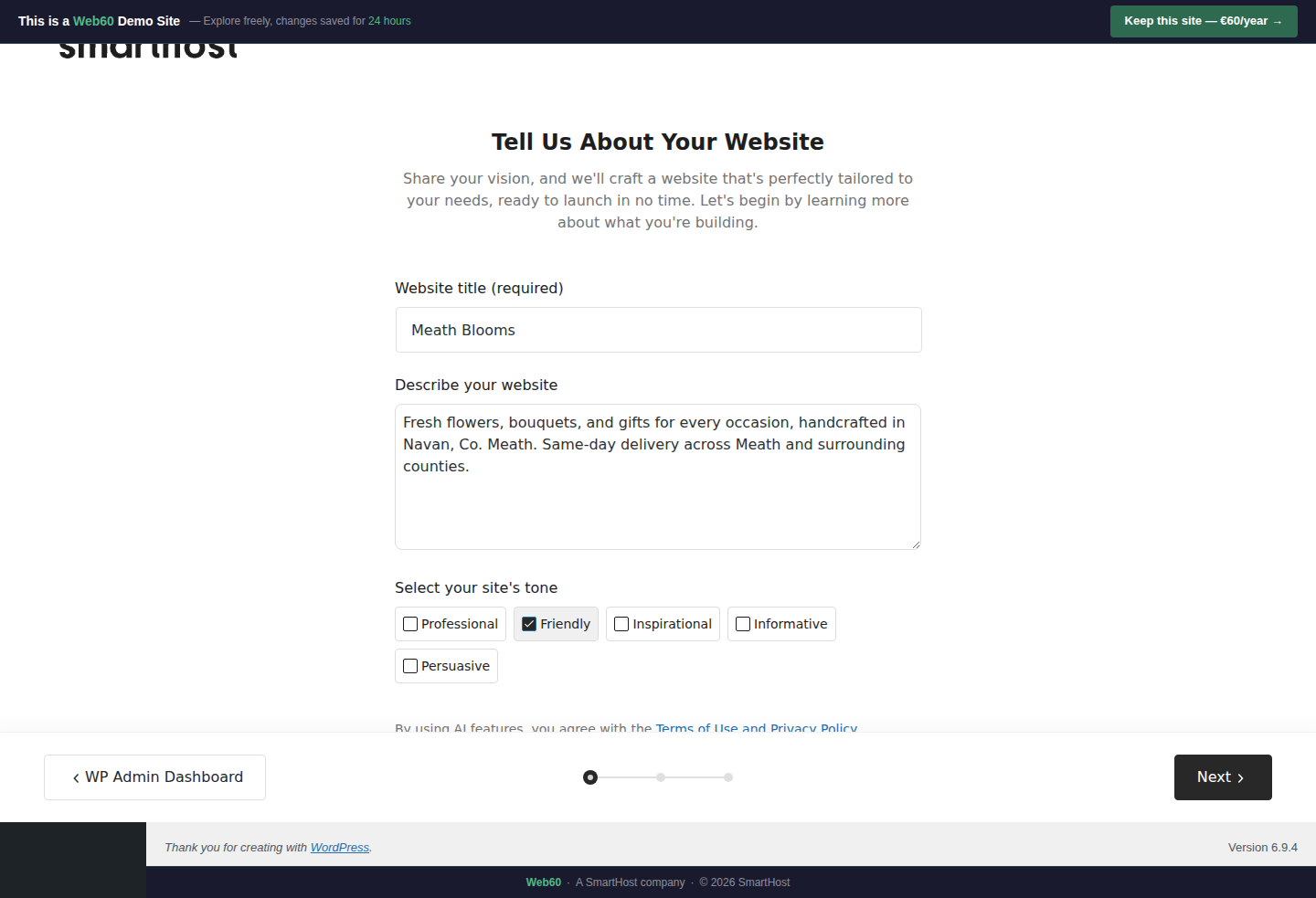
1. Your exact business name
Write it exactly the way you want it on your website. This becomes your header, browser tab title, and appears throughout every page.
- Use proper capitalisation: Meath Blooms, not meath blooms
- Include your trading name, not your company registration name
2. A 1-2 sentence business description
This is the most important input. The AI uses it to write all your page content, choose images, and pick a colour scheme.
Be specific. Include what you do, where you are, and what makes you different.
Good: "Fresh flowers, bouquets, and gifts for every occasion, handcrafted in Navan, Co. Meath. Same-day delivery across Meath and surrounding counties."
Too vague: "We sell flowers."
3. A rough idea of which pages you need
The AI will suggest pages based on your business type, but it helps to know in advance whether you want a Services page, Gallery, Pricing, FAQ, or Contact page.
When in doubt, include more pages. It is easier to delete one you don't need than to create a new one from scratch later.
Nice to have (but not required)
- Your logo (can be added later)
- A few of your own photos (can be swapped in after the build)
- Your phone number, email, and address for the Contact page
You don't need to be a writer or a designer. The AI creates everything as a starting point that you edit afterwards.
Frequently asked questions
Do I need a logo before I start?
No. The builder works without a logo. You can add one later.
Do I need to write my own content?
No. The AI writes all your initial content based on what you describe. You can edit it afterwards.
Last updated: 19 March 2026