

The Web60 AI Site Builder creates a complete, professionally designed website for your business in minutes. You answer a few questions, the AI builds your site, and you go live.
It's included with every Web60 plan. Nothing to install.
What it builds for you
- A homepage with your business name, headline, and contact form
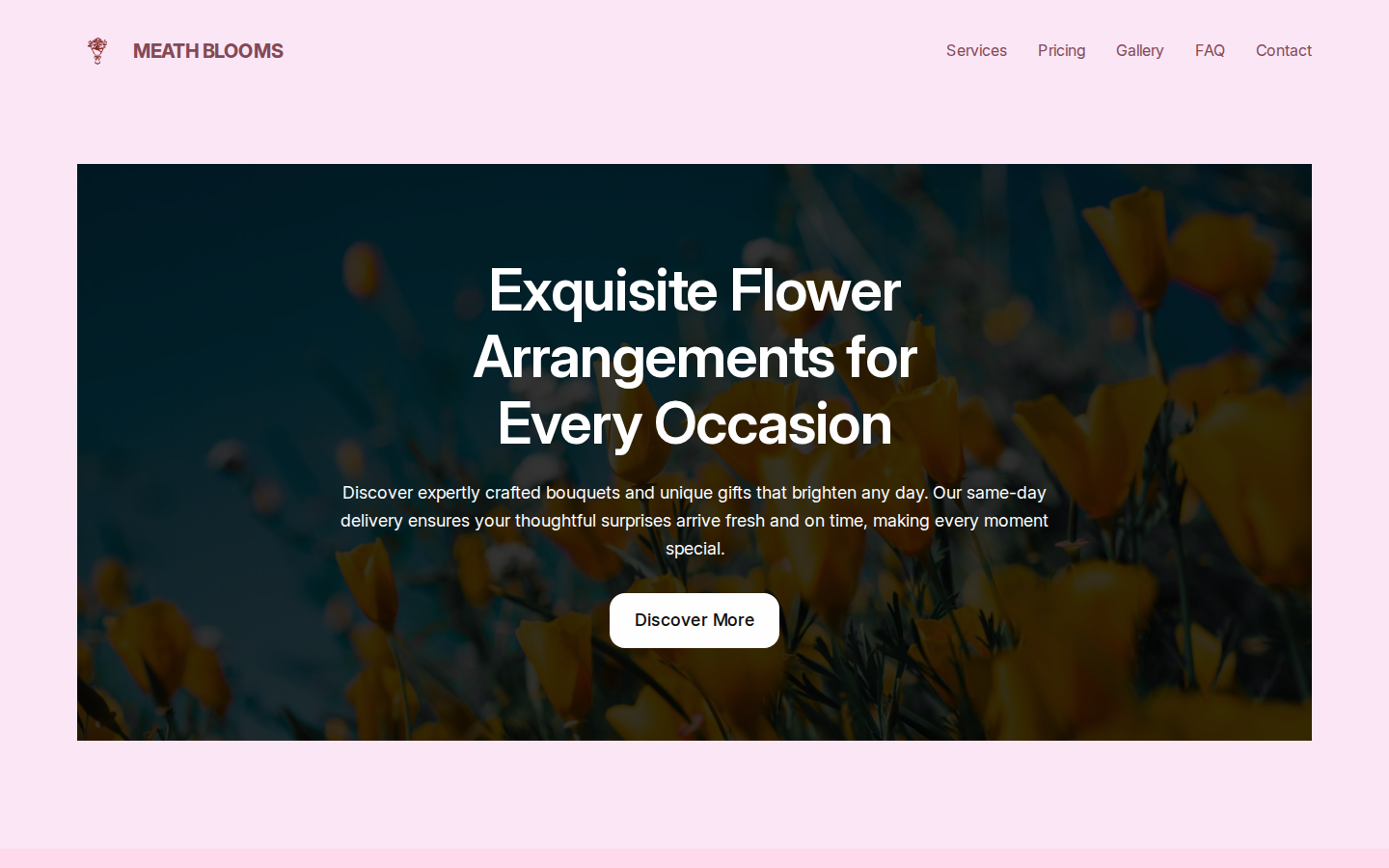
- Inner pages such as Services, Gallery, FAQ, Pricing, and Contact
- Navigation that links all your pages together
- A colour scheme matched to your type of business
- AI-written content as a starting point to edit
How to launch the builder
- Sign in to your Web60 portal at app.web60.ie
- Click Open WordPress on your site dashboard
- The Web60 AI Site Builder opens automatically on new sites
What happens step by step
The builder has 5 short steps:
- Describe your business. Enter your name, a sentence about what you do, and choose a tone.
- Review AI recommendations. Confirm your page structure and options.
- Pick a design. Choose from 6 AI-generated designs using your actual content.
- Choose your pages. Tick the pages you want built.
- Generate. The AI builds your complete site (takes about 60-90 seconds).
That's it. Your site is live.
Can I change things afterwards?
Yes, everything. Edit any text, swap any image, change colours, add pages, or ask the AI assistant to make changes for you. The builder creates a starting point. You're in full control of what happens next.
Frequently asked questions
Is the Web60 AI Site Builder free?
Yes, it's included with every Web60 plan.
Do I have to use the AI builder?
No. You can use the standard WordPress block editor instead. The builder is the easiest way to get started.
Can I redo the wizard if I'm not happy with the result?
Yes. Open the builder again and choose Start Over. This removes the generated pages and lets you begin fresh.
Last updated: 19 March 2026