

The DNS Checker tool lets you look up the DNS records for any domain name. This is useful when you have made changes to your domain settings and want to check if they have taken effect.
What this tool does
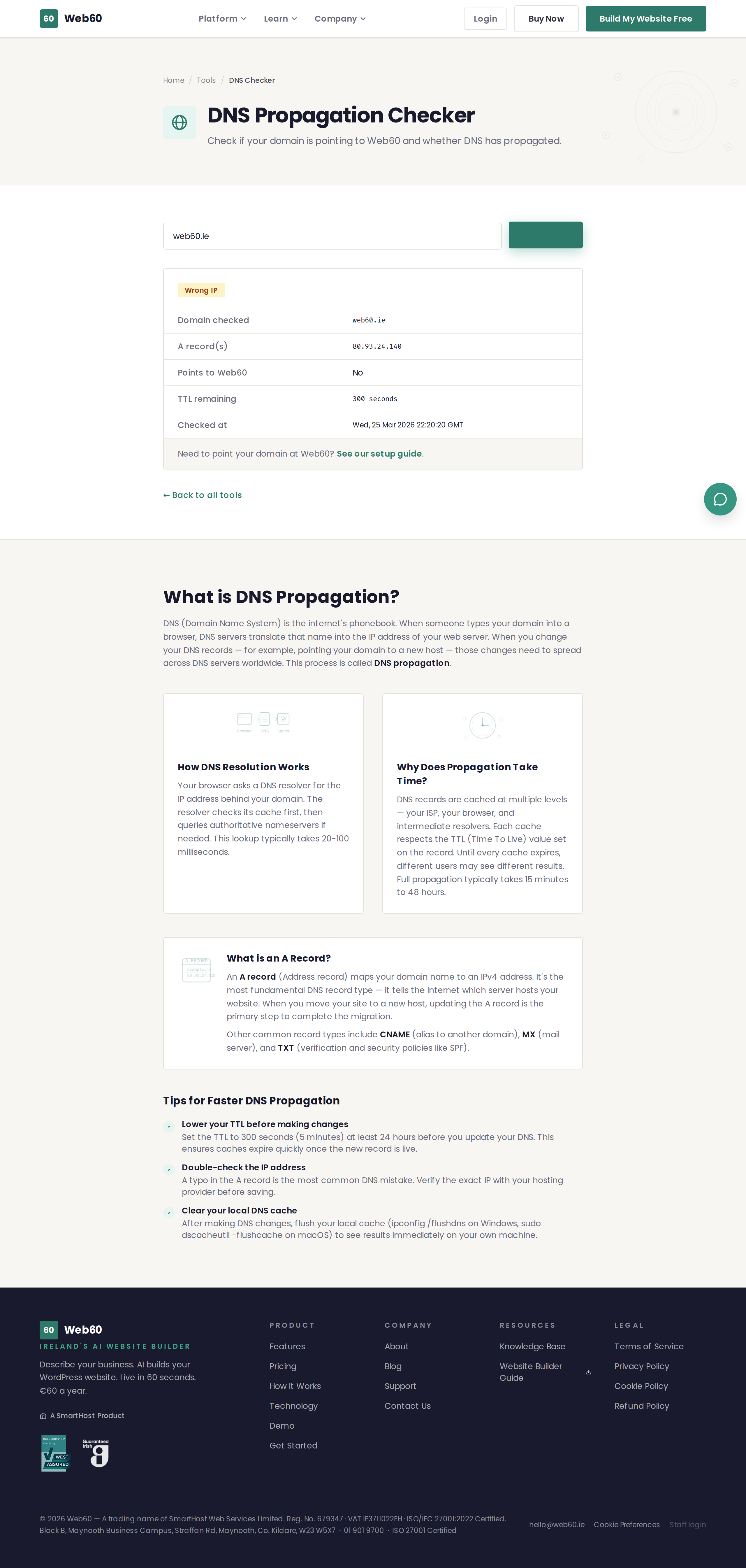
When you enter a domain name, the DNS Checker queries public DNS servers and returns your domain's records, including:
- A records - The IP address your domain points to. This is how browsers find your website's server.
- CNAME records - Aliases that point your domain to another domain name instead of an IP address.
- MX records - Mail server records that tell email providers where to deliver your emails.
- NS records - Nameserver records that indicate which DNS provider controls your domain's settings.
- TXT records - Text records often used for email verification, security policies, and domain ownership checks.
How to use it
- Go to web60.ie/tools/dns-checker.
- Type your domain name into the input field (for example,
yourbusiness.ie). - Click Check DNS.
- Review the results. Each record type is shown in its own section.
When to use the DNS checker
- After connecting a domain - If you have just pointed your domain to a new host, use this tool to check whether the change has gone through.
- Troubleshooting email - If emails are not arriving, check the MX records to make sure they are correct.
- Verifying DNS propagation - After making any DNS change, this tool shows you the current state of your records.
- Before a website migration - Check the existing records so you know what to set up at the new host.
Understanding the results
If the A record shows the IP address of your hosting provider, your domain is correctly connected. If it shows a different IP address or no record at all, the change may still be propagating or the records may need to be updated.
For more information about why DNS changes take time, see our article on DNS propagation.
Need help?
If your DNS records do not look right and you are a Web60 customer, visit our support page and we will help you get things sorted.
Frequently asked questions
What does DNS stand for?
DNS stands for Domain Name System. It is the system that translates your domain name (like yourbusiness.ie) into the server address where your website is hosted.
How long does a DNS change take to work?
Most DNS changes take 1 to 4 hours, but it can take up to 48 hours in some cases. This is called propagation.
What should I do if my DNS records look wrong?
Check the settings at your domain registrar (the company where you bought your domain) and make sure the records match the values provided by your hosting provider. If you are a Web60 customer, visit our support page for help.
Last updated: 25 March 2026