

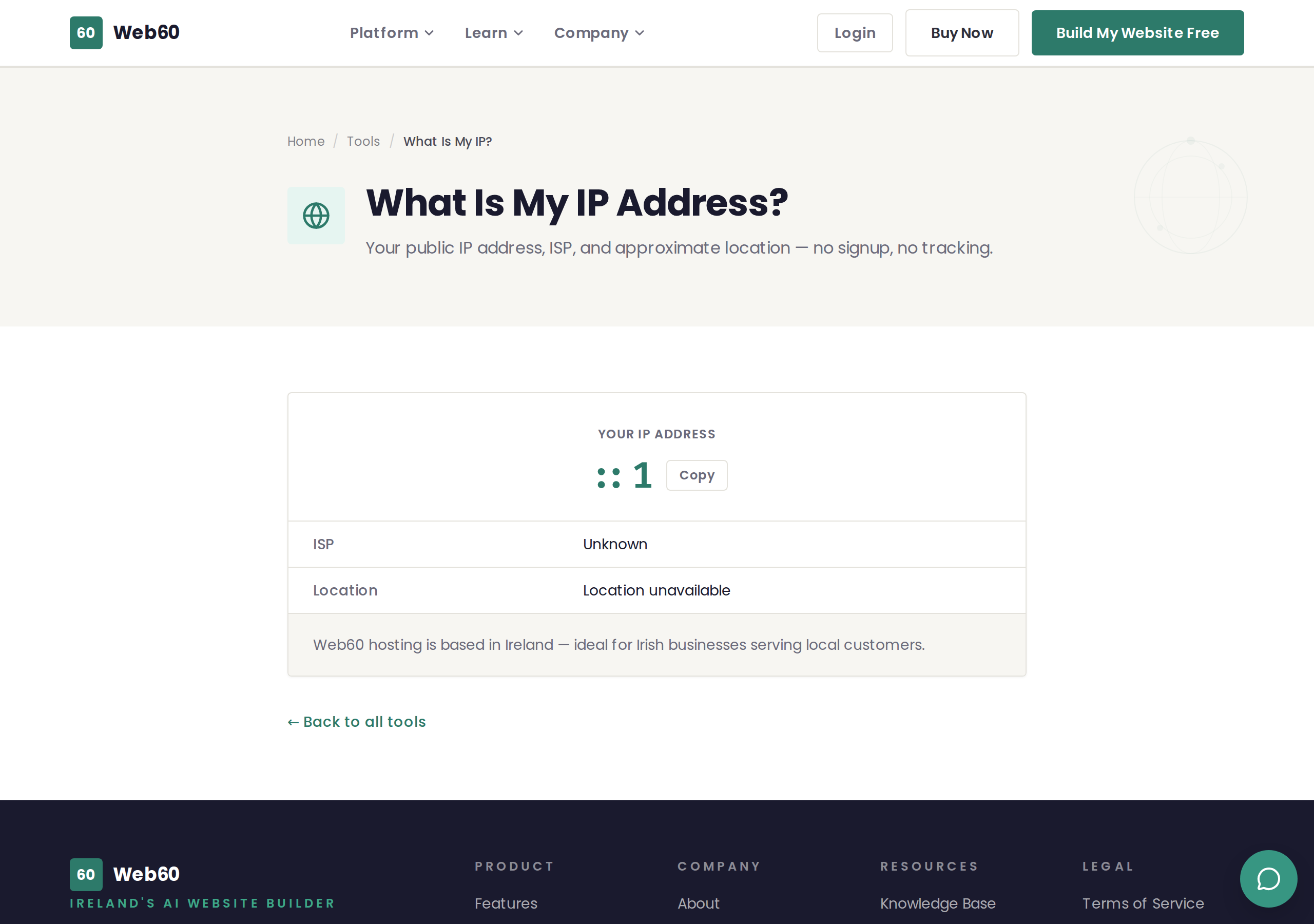
The What Is My IP? tool shows you the public IP address that your internet connection is currently using, along with your internet provider and approximate location.
What this tool shows
When you visit the page, it instantly displays:
- Your IP address - The public address that websites see when you visit them. You can copy it to your clipboard with one click.
- Your ISP - The internet service provider you are connected through (for example, Eir, Virgin Media, Sky, or Vodafone).
- Your approximate location - The city and country detected from your IP address, along with a country flag.
No action is required - the results appear automatically when the page loads.
How to use it
- Go to web60.ie/tools/my-ip.
- Your IP address, ISP, and location are displayed immediately.
- Click Copy next to the IP address if you need to paste it somewhere.
What is an IP address?
Every device connected to the internet is assigned an IP address. Think of it like a postal address - it tells other computers on the internet where to send information back to you.
Your public IP address is the one that websites and online services see. It is different from the private IP address used inside your home or office network.
When this tool is useful
- Technical support - If a web developer or hosting provider asks for your IP address, this is the quickest way to find it.
- Firewall configuration - When setting up access rules that allow connections only from specific IP addresses.
- Checking your VPN - If you use a VPN, this tool shows whether your connection is routing through the VPN's server or your regular internet provider.
- Verifying your location - If a website says you are connecting from the wrong country, this tool confirms what location your IP address reports.
About the location information
The location shown is an approximation based on your IP address. It is typically accurate to the city level but does not reveal your street address or any personal information.
If you are connecting from Ireland, the page will also mention that Web60 hosting is based in Ireland, which means your visitors benefit from faster load times when your website and your customers are in the same country.
Privacy
This tool does not store your IP address or any personal information. There is no tracking, no cookies, and no signup required.
Need help?
If you need help with anything related to IP addresses, DNS, or network configuration, visit our support page.
Frequently asked questions
What is an IP address?
An IP address is a unique number assigned to your internet connection. It is like a postal address for your computer - it tells websites where to send the information you requested.
Is my IP address the same as my location?
Not exactly. Your IP address reveals your approximate location (usually the city or region) and your internet provider, but it does not show your exact street address.
Why does my IP address change?
Most home internet connections use a dynamic IP address, which means your provider may assign you a different number periodically. This is normal and nothing to worry about.
Last updated: 25 March 2026