

The final step is fully automated. The AI builds your complete website with no further input needed. It takes 60-90 seconds depending on how many pages you selected.
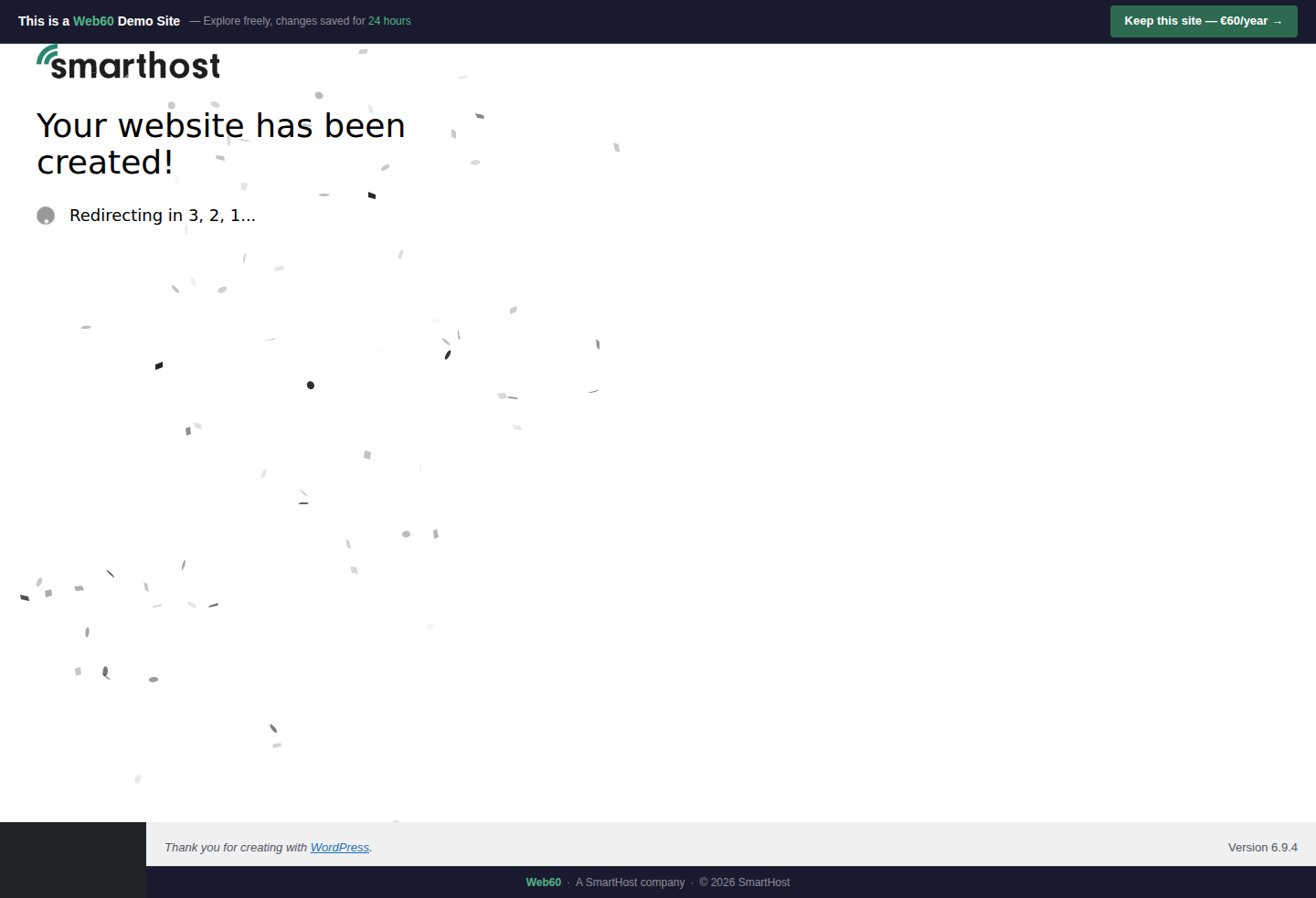
What the progress messages mean
| Message | What's happening |
|---|---|
| Customizing your experience | Processing your business details |
| Designing your options | Building your design previews |
| Creating pages | Building each page's structure |
| Adding content | Writing copy for every section |
| Setting styles | Applying your colour palette |
| Applying your website | Final assembly |
Do not close the browser during generation. If the process is interrupted, you can restart the wizard by clicking "Start Over" when you next log in.
When generation completes
The browser redirects to your live website. You'll see your homepage for the first time, complete with your business name, your colour scheme, and AI-generated content ready to review.
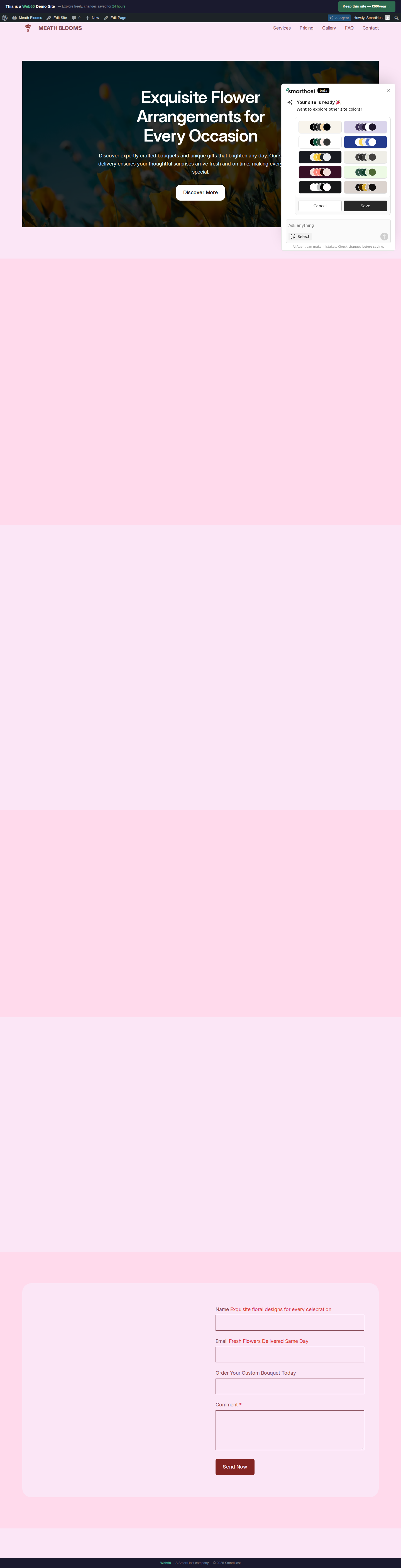
The colour palette panel
After generation, a panel appears with 8 alternative colour schemes. Click any palette to preview it, then click Save to apply or Cancel to keep the current colours. You can access this panel again at any time from your WordPress admin.
Frequently asked questions
How long does generation take?
Typically 60-90 seconds, depending on how many pages you selected.
What if I close the browser during generation?
The process runs on the server, so it usually completes even if you close the tab. When you log back in, your site should be ready. If not, use Start Over to try again.
Last updated: 19 March 2026