

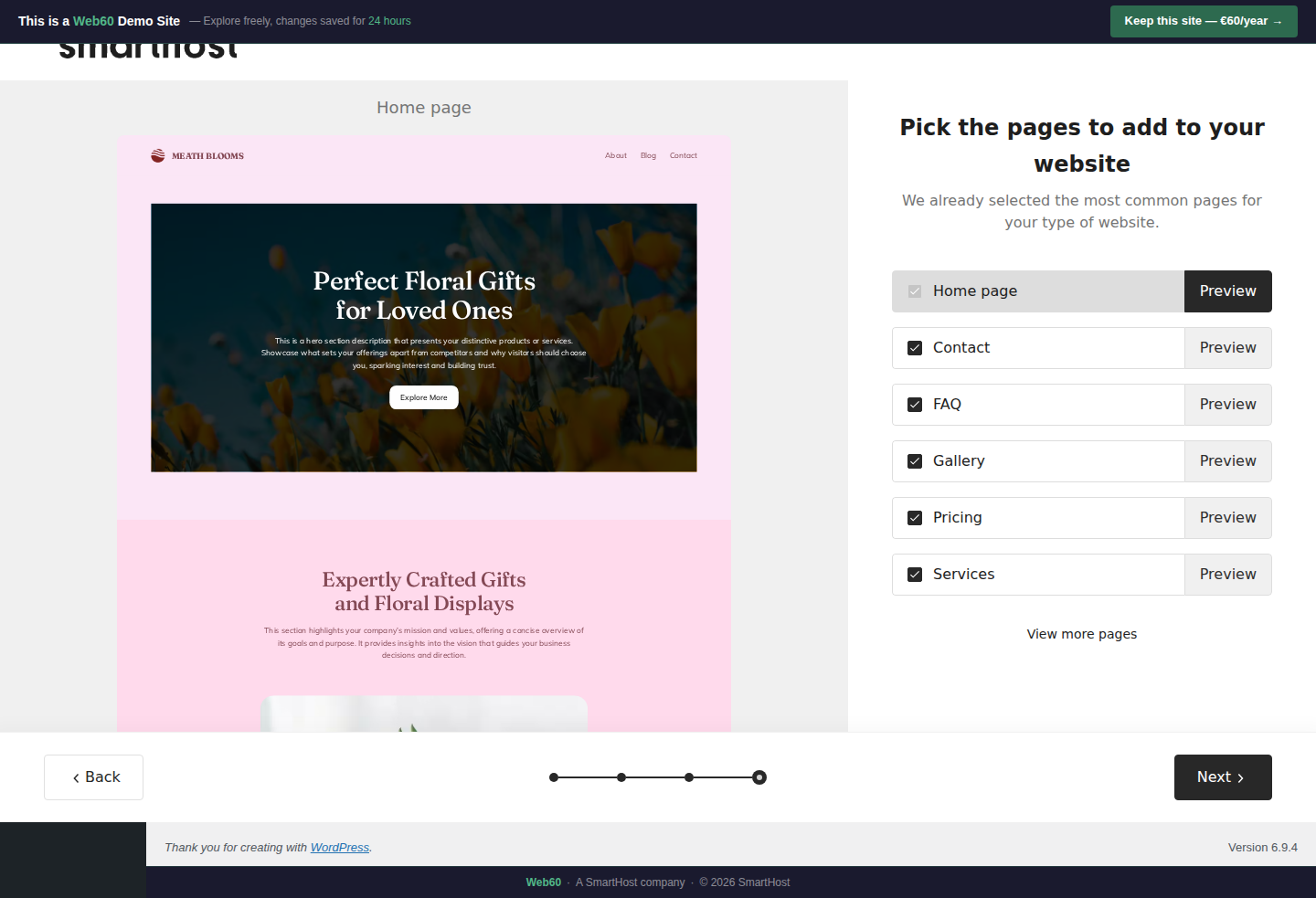
Choose which pages to include in your site. The AI has already selected the most appropriate pages based on your business type, and you can add or remove as needed.
What each page does
| Page | Purpose | Include if... |
|---|---|---|
| Home | Your front door. Always include | Always |
| Services | What you offer, with descriptions | You provide multiple services |
| Gallery | Visual showcase of your work | You have visual work to show |
| Pricing | Your rates or price guide | Transparency helps your customers |
| FAQ | Common questions, pre-answered | You get the same questions repeatedly |
| Contact | Dedicated contact form and info | Always (if you want enquiries) |
View More Pages
Click View more to reveal additional page templates including Blog, Testimonials, About, and Team.
Our recommendation
It's easier to generate more pages now and delete the ones you don't need than to create them from scratch later. When in doubt, include it.
What happens next
Clicking Next begins the final generation step. The AI will now build your complete website.
Frequently asked questions
Can I add pages after the wizard?
Yes. Go to Pages → Add New in WordPress at any time.
What if I generate a page I don't need?
Delete it from Pages in WordPress. Hover over the page name and click Trash.
Last updated: 19 March 2026