

A domain name is your website's address on the internet, such as yourbusiness.ie or yourbusiness.com. If you do not already have one, you can register a new domain through Web60 or from any domain provider.
Option 1: Register through Web60
The easiest way to get a domain is to register one directly through Web60. This way, everything is managed in one place and your domain will be connected to your website automatically.
During the Get Started wizard
When you first set up your Web60 website, the Get Started wizard includes a step where you can search for and register a domain name.
- Enter the domain name you want, for example yourbusiness.ie.
- Web60 will check if it is available. If it is, you will see the price and can add it to your order.
- Complete the registration as part of the setup process.
Your domain will be connected to your website automatically, with no extra steps needed.
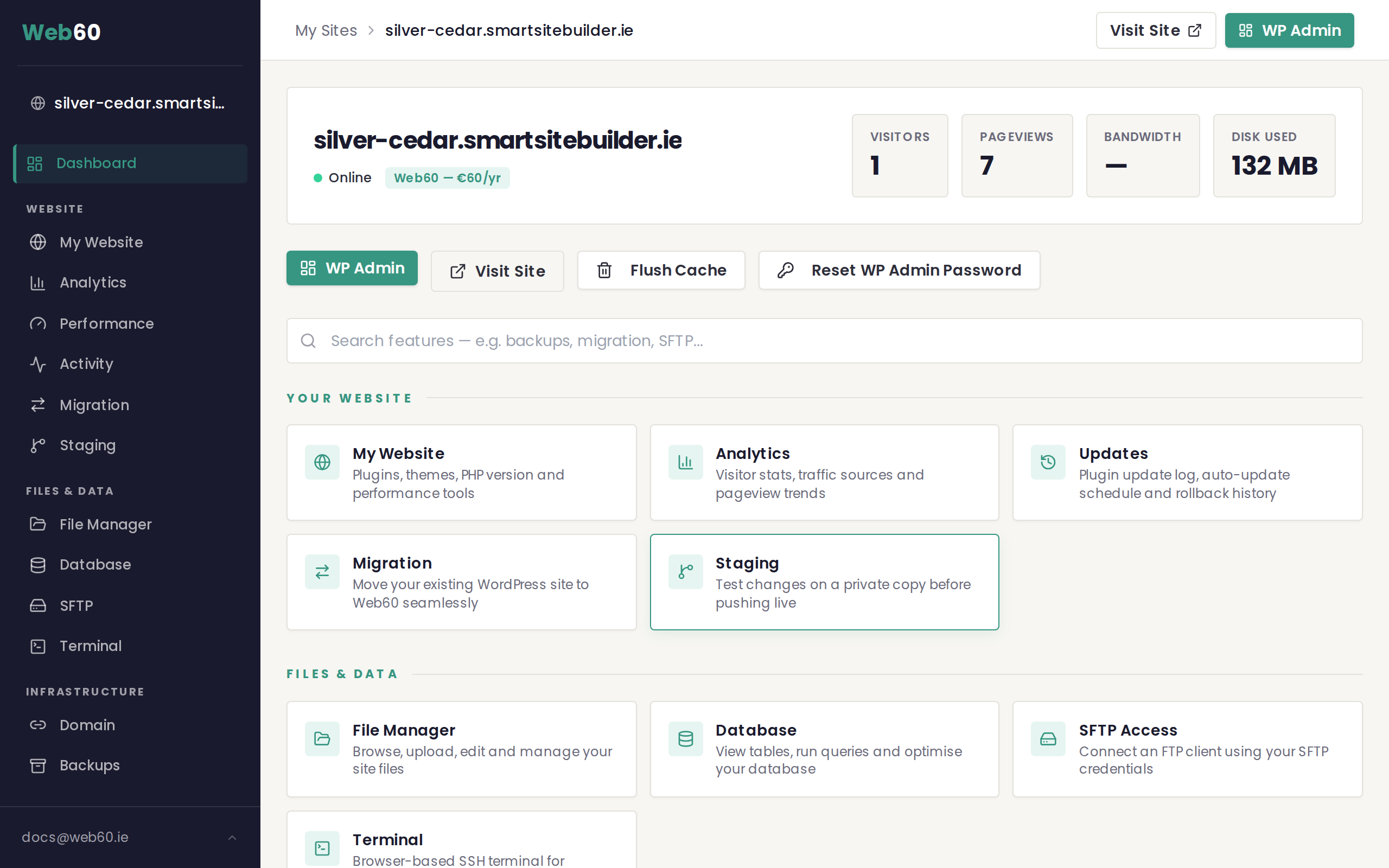
From your Web60 dashboard
If you skipped domain registration during setup, you can do it later.
- Sign in to your Web60 dashboard.
- Click "Domain" in the left-hand menu.
- If domain registration is available, you will see an option to search for and register a new domain.
Please note: Domain registration through Web60 is being rolled out gradually. If you do not see the option in your dashboard yet, you can register a domain from an external provider instead (see Option 2 below).
Option 2: Register from a domain provider
You can register a domain through Web60 as part of the Get Started wizard, or through any domain provider of your choice.
How it works
- Visit your domain provider's website.
- Search for the domain name you want and complete the purchase.
- Connect it to Web60 by following our guide on how to connect your domain.
Choosing the right domain name
Here are a few tips for picking a good domain name for your business:
- Keep it short and simple. The easier it is to type and remember, the better.
- Use your business name. This is what people will expect. If yourbusiness.ie is taken, try slight variations.
- Choose the right extension. .ie is ideal for Irish businesses as it tells customers you are based in Ireland. .com is the most recognised extension worldwide.
- Avoid hyphens and numbers. They make your domain harder to remember and easier to mistype.
What about .ie domains?
The .ie extension is specifically for people and businesses connected to Ireland. To register a .ie domain, you may need to provide proof of your connection to Ireland (such as a business registration number or proof of address). Your domain provider will guide you through this.
Need help?
If you are not sure which domain to choose or need help registering one, visit our support page and we will point you in the right direction.
Frequently asked questions
What domain extensions can I register?
You can register .ie, .com, and other popular extensions through Web60. The .ie extension is popular with Irish businesses.
How much does a domain cost?
Domain pricing varies by extension. The cost is shown during the registration process in the Get Started wizard.
Can I transfer a domain I already own to Web60?
Yes. If you already own a domain registered elsewhere, you can connect it to your Web60 website by updating your domain settings. See our guide on connecting your domain for the full steps.
Last updated: 15 March 2026