

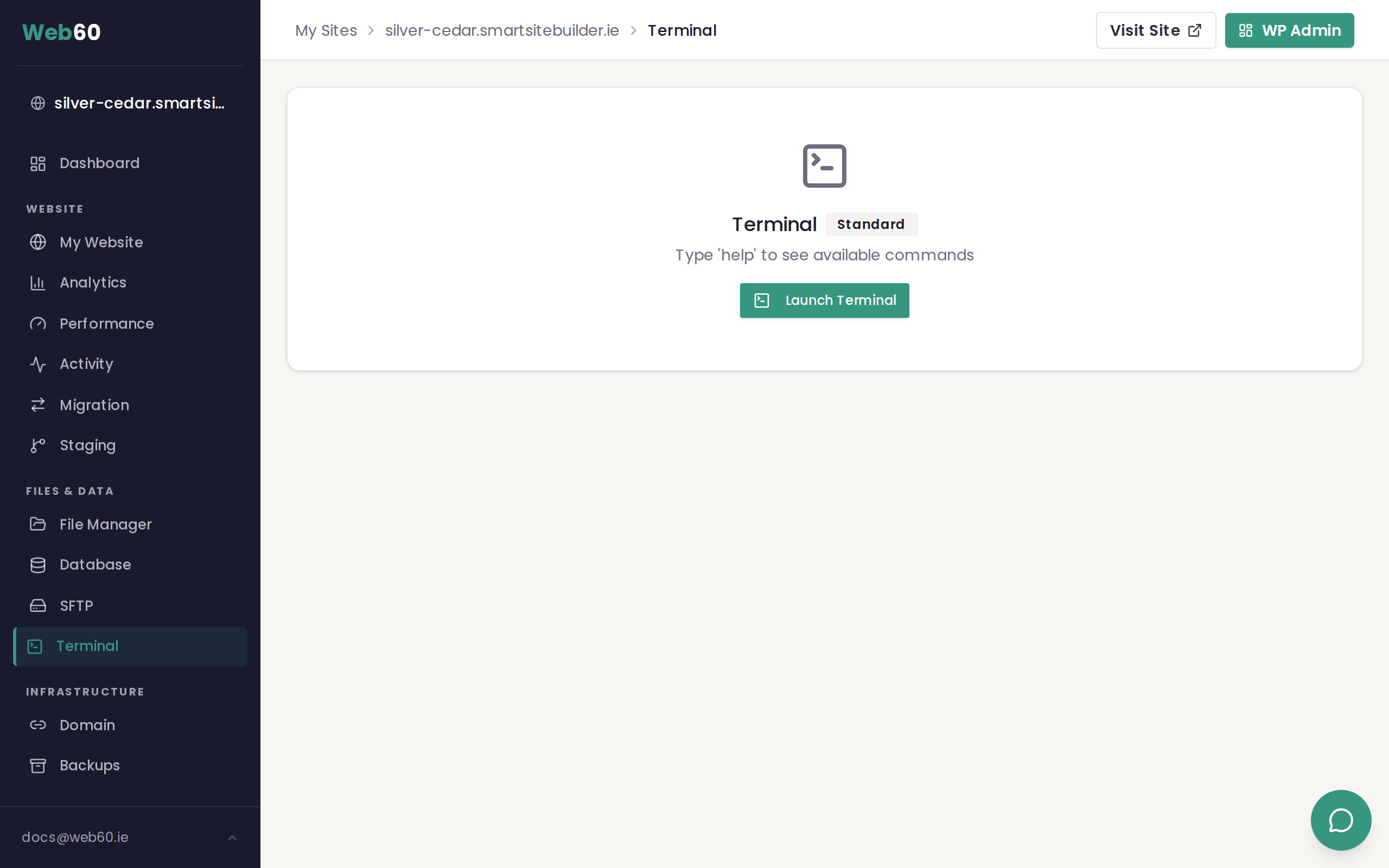
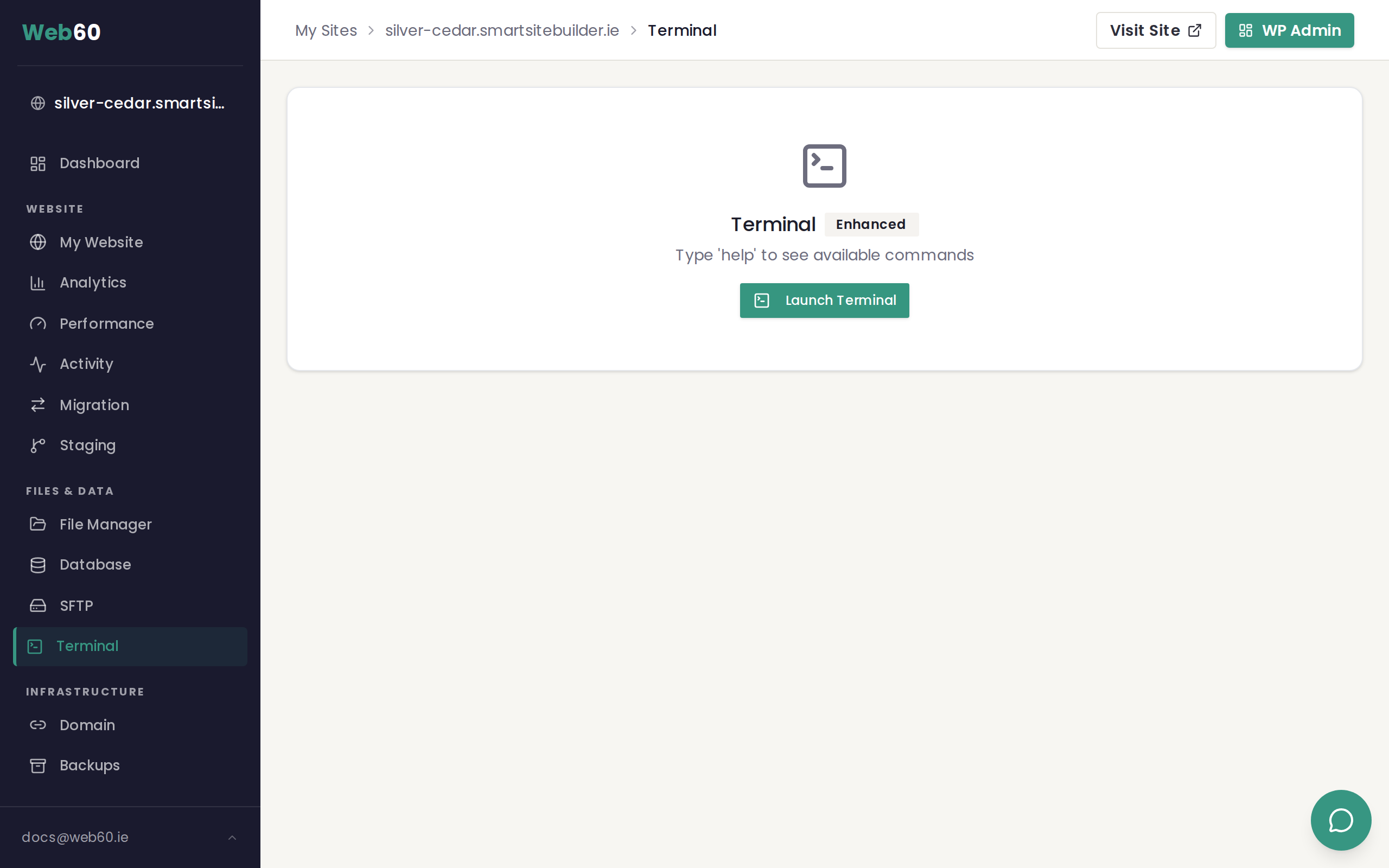
Web60 provides two levels of terminal access: Standard and Enhanced. Both are available through the terminal built into your Web60 dashboard. The level you have is shown as a badge next to the Terminal heading when you open the terminal page.
Why two levels?
The terminal gives you direct access to your site's files and WordPress installation. To keep sites safe, Web60 starts everyone on Standard access, which covers the most common tasks. If you are a developer or need tools like git or composer, you can request an upgrade to Enhanced access.
This approach means most customers get a simpler, safer set of commands, while developers get the full toolkit they need without compromise.
Standard access
Standard access includes file management commands and WP-CLI. This covers the vast majority of day-to-day tasks: managing WordPress plugins and themes, editing files, creating backups, and troubleshooting.
Commands available on Standard:
| Command | What it does |
|---|---|
ls | List files and directories |
cat | Display the contents of a file |
head / tail | Show the beginning or end of a file |
less | Browse a file page by page |
cp | Copy files |
mv | Move or rename files |
mkdir / rmdir | Create or remove directories |
rm | Delete files |
find | Search for files by name or type |
grep | Search inside files for text |
nano | Edit a file in the terminal |
tar | Create or extract archive files |
zip / unzip | Compress or extract ZIP files |
chmod | Change file permissions |
du | Show disk usage |
wc | Count lines, words, or characters |
diff | Compare two files |
sort | Sort lines in a file |
wp | WP-CLI, which manages WordPress from the command line |
Enhanced access
Enhanced access includes everything in Standard plus a set of developer tools. These are commands that developers commonly need when working with custom themes, plugins, or site migrations.
Additional commands available on Enhanced:
| Command | What it does |
|---|---|
git | Version control for tracking code changes |
composer | PHP dependency manager (used by many WordPress plugins and themes) |
mysql | Direct database access from the command line |
php | Run PHP scripts directly |
curl / wget | Download files from the web |
scp / file sync | Transfer files between servers |
How to request Enhanced access
- Go to your Web60 dashboard.
- Click your site name.
- Click Support in the left-hand menu.
- Submit a request asking for Enhanced terminal access, including a brief note about why you need the additional commands.
- The Web60 team will review your request and upgrade your access, usually within one business day.
You will see the badge on your terminal page change from Standard to Enhanced once the upgrade is applied.
Security and monitoring
All terminal sessions are logged and monitored regardless of access level. Both Standard and Enhanced terminals are scoped to your site directory only, so you cannot access other sites or system files. If unusual activity is detected, terminal access may be temporarily suspended as a safety measure. Contact support if this happens and your access will be reviewed promptly.
Need help?
If you have questions about terminal access levels, visit our support page or email hello@smarthost.ie.
Frequently asked questions
What is the difference between Standard and Enhanced terminal access?
Standard gives you file management commands and WP-CLI. Enhanced adds developer tools like git, composer, mysql, php, and curl on top of everything in Standard.
How do I upgrade from Standard to Enhanced?
Contact our support team at hello@smarthost.ie and let them know you need Enhanced terminal access. Include your site name and a brief explanation of why you need the additional commands.
Can I lose my terminal access?
Terminal access can be suspended automatically if unusual or potentially harmful activity is detected. If this happens, contact support to have it reviewed and restored.
Does Enhanced terminal access cost extra?
No. Both Standard and Enhanced terminal access are available at no extra charge. Enhanced access is granted on request after a brief review by the support team.
Last updated: 25 March 2026