

If you see a warning about overdue scheduled tasks in your Web60 dashboard, it means your website's background jobs have not been running on time. This is a common issue with a simple fix.
Where you will see this warning
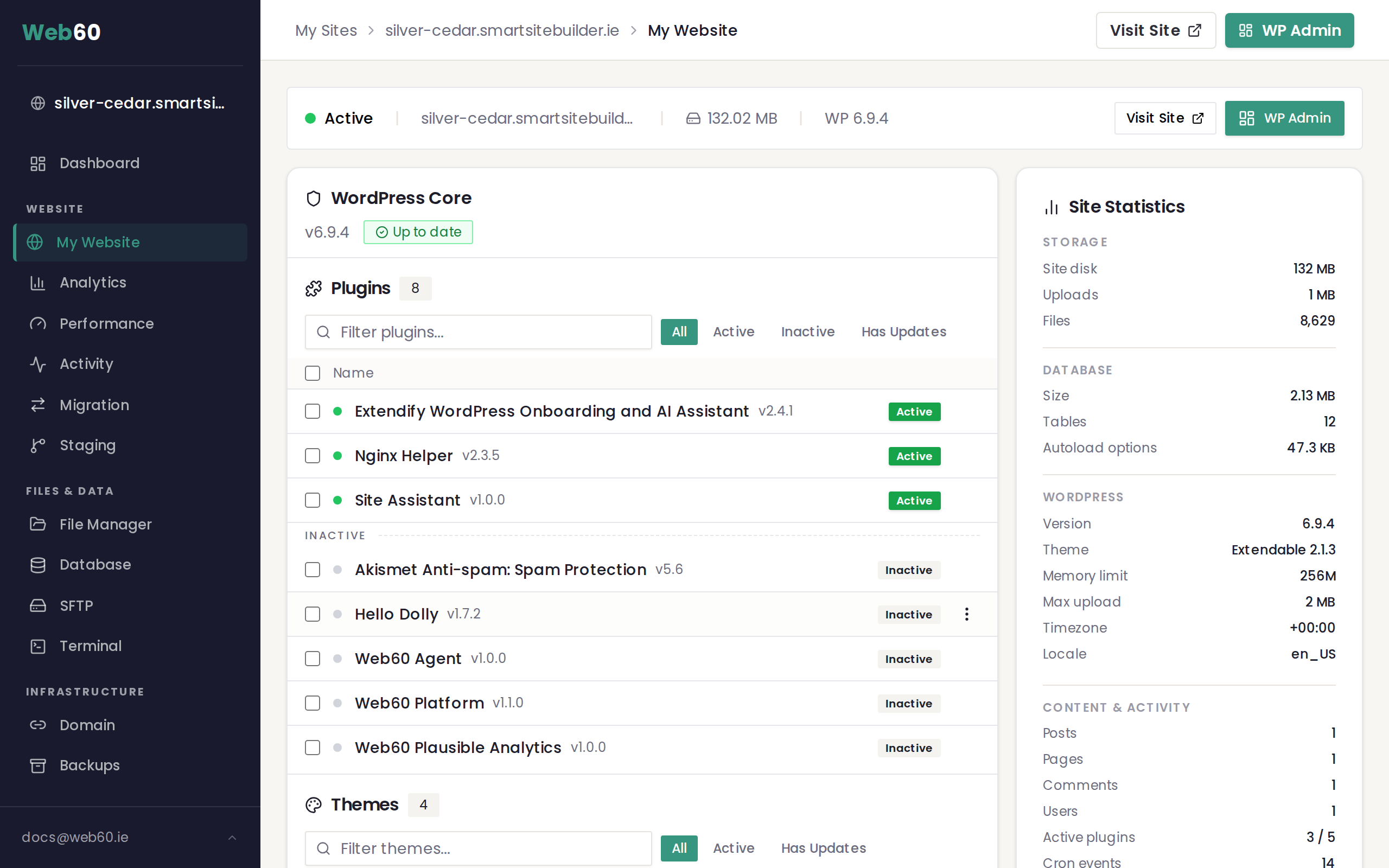
The overdue scheduled tasks warning appears in your Web60 dashboard under My Website in the Site Stats section. It means that one or more of your website's background tasks are behind schedule.
What are scheduled tasks?
Your website runs background jobs automatically to keep things working smoothly. These include:
- Checking for plugin and theme updates
- Publishing blog posts that are scheduled for a future date
- Cleaning up temporary files
- Sending email notifications
These tasks need to run regularly to keep your website healthy.
Why tasks become overdue
By default, WordPress only runs its scheduled tasks when someone visits your website. If your website does not get many visitors, or if visitors only come at certain times of day, tasks can fall behind schedule.
This is especially common for:
- New websites that have not built up traffic yet
- Websites that get most of their visitors during business hours only
- Websites that are still in development
How to fix it
The best solution is to switch from the default task system to Server Cron, which runs your tasks on a reliable, fixed schedule regardless of how much traffic your website gets.
- Sign in to your Web60 dashboard at app.web60.ie/login.
- Click My Website in the sidebar.
- Go to Advanced Settings.
- Find the WordPress Cron section.
- Switch to Server Cron.
- Save the change.
Once enabled, your scheduled tasks will run on time every time. The overdue warning should disappear within a few hours.
If the warning continues
If you have switched to Server Cron and the warning still appears after 24 hours, contact our support team. There may be another issue preventing your tasks from completing, such as a plugin conflict.
Need help?
If you are unsure about changing your scheduled task settings, visit our support page and we will take care of it for you.
Frequently asked questions
What are scheduled tasks on my website?
Scheduled tasks are background jobs your website runs automatically, such as checking for updates, publishing timed blog posts, and cleaning up old data. They keep your website running smoothly without you needing to do anything.
Why are my scheduled tasks not running on time?
By default, WordPress only runs scheduled tasks when someone visits your website. If your website does not get regular traffic, tasks can fall behind. Switching to Server Cron in your Web60 dashboard fixes this by running tasks on a reliable schedule.
Will switching to Server Cron affect my website?
No. Switching to Server Cron is a safe change that makes your scheduled tasks more reliable. Your website will continue to work exactly as before, but background tasks will run on time regardless of visitor traffic.
Last updated: 16 March 2026