

If you have launched your website but cannot find it in Google search results, do not worry. There are several common reasons this happens, and most are easy to fix. Work through the following checks in order.
1. Check your Search Engine Visibility setting
This is the most common reason a website does not appear in Google. Your website has a setting that tells search engines whether they are allowed to index it.
- Sign in to your Web60 dashboard at app.web60.ie/login.
- Click My Website in the sidebar.
- Go to Advanced Settings.
- Look for Search Engine Visibility.
- Make sure it is set to ON (visible to search engines).
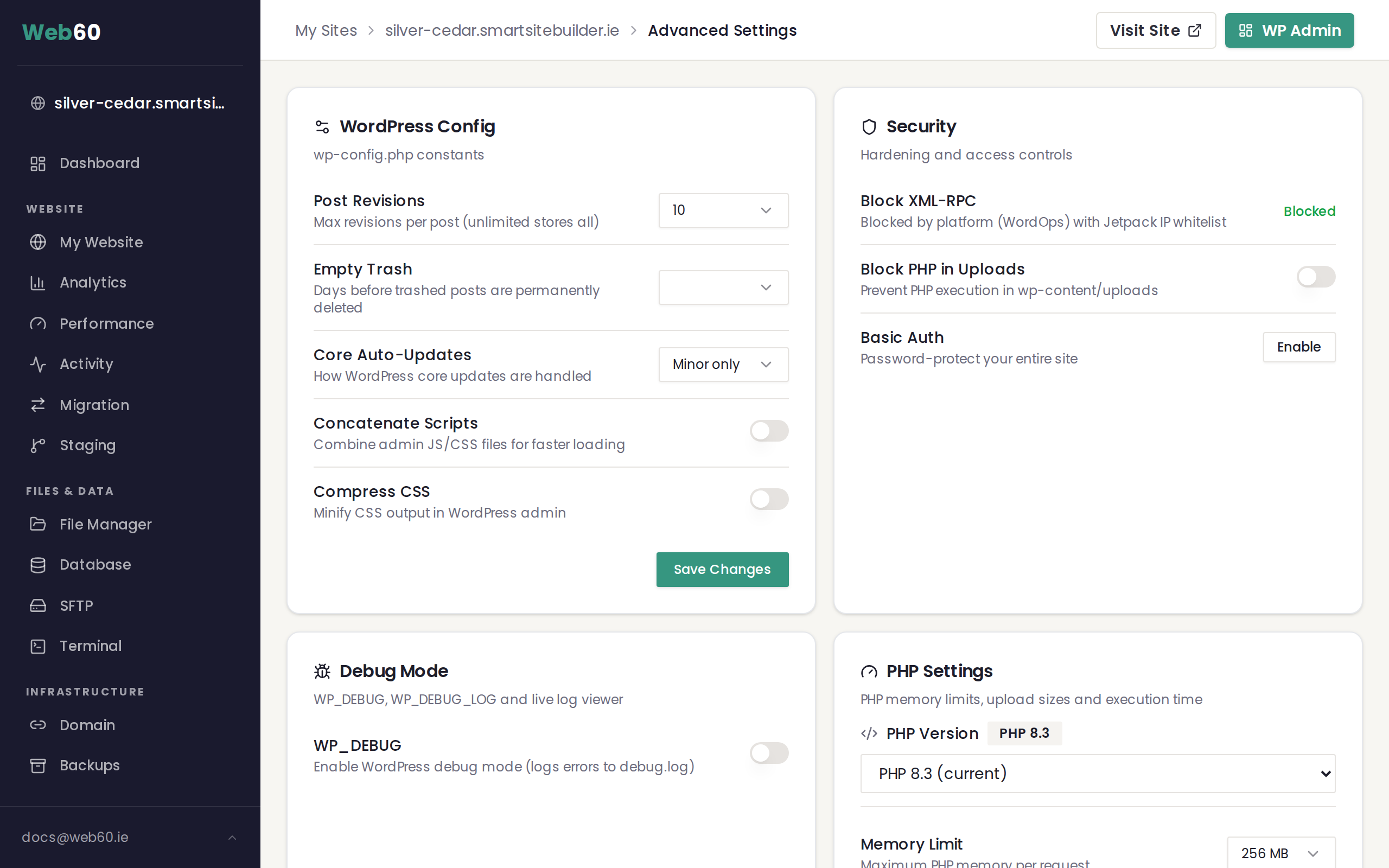
If this was turned off, switch it on and allow a few weeks for Google to find your website.
2. Your website may be too new
If you only recently launched your website, Google simply may not have found it yet. Google sends automated programs to discover new websites, and this process takes time.
Typical timeline:
- Brand new websites take 4 to 8 weeks to appear in Google.
- Some websites are found sooner, but there is no guaranteed timeframe.
- Adding content regularly can help Google find your website faster.
3. Your domain may be new
If you registered a brand new domain name (one that nobody has ever used before), it takes longer for search engines to trust it. This is normal. The more content you add and the longer your website is online, the more quickly Google will begin to trust and list it.
4. Your website may not have enough content
Google prefers websites that have useful, original content. If your website only has a homepage with very little text, Google may not see it as worth listing yet.
To help Google find you:
- Add content to your key pages (About, Services, Contact).
- Write a few blog posts about topics your visitors would find useful.
- Make sure each page has a clear title and description.
5. Submit your website to Google Search Console
Google Search Console is a free tool from Google that lets you tell Google about your website directly. You can submit your website address and ask Google to visit it.
- Go to search.google.com/search-console.
- Sign in with a Google account.
- Add your website address.
- Follow the instructions to verify that you own the website.
- Once verified, use the URL Inspection tool to submit your homepage.
This can speed up the process, but it does not guarantee instant results.
6. Set realistic expectations
Even after doing everything right, getting listed in Google takes patience. The key things that help over time are:
- Keeping your Search Engine Visibility setting turned on
- Publishing useful, original content regularly
- Making sure your website loads quickly
- Having a proper domain name connected
Need help?
If your website has been live for more than 8 weeks with the Search Engine Visibility setting turned on and it still does not appear in Google, visit our support page and we will investigate for you.
Frequently asked questions
How long does it take for Google to find my new website?
Google typically takes between 4 and 8 weeks to discover and list a brand new website. If your domain is also new (registered recently), it may take a little longer. This is completely normal.
How do I check if Google can see my website?
Search Google for site:yourdomain.com (replacing yourdomain.com with your actual domain). If any results appear, Google has found your website. If nothing appears, Google has not indexed your site yet.
Does Web60 automatically submit my website to Google?
When your Search Engine Visibility setting is turned on, your website sends signals that invite search engines to visit and index your pages. You can speed things up by submitting your website to Google Search Console manually.
Last updated: 16 March 2026