

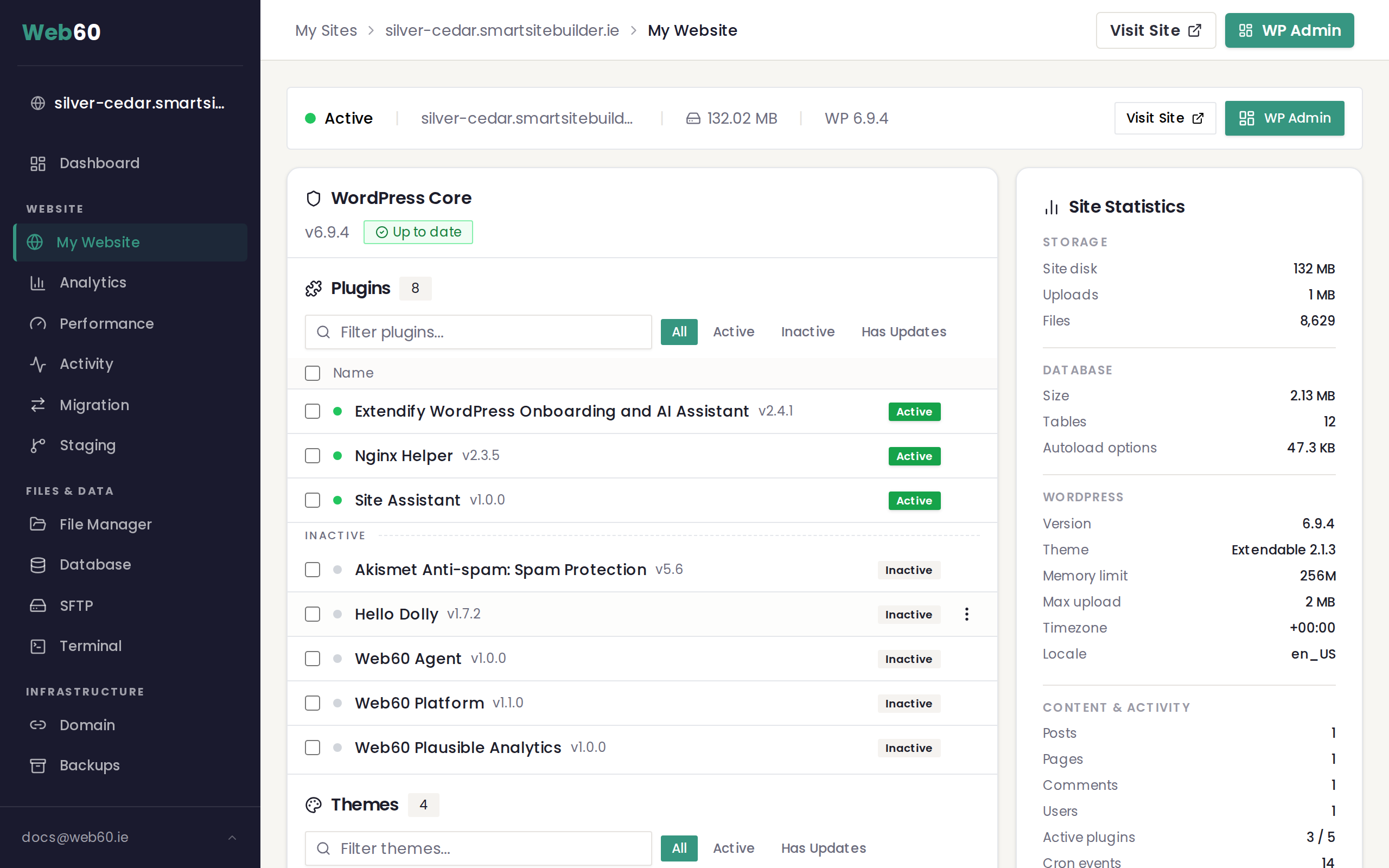
When you view your installed plugins in the Software Manager on the My Website page, you may notice that some plugins have a lock badge next to their name. These are platform-managed plugins, and they work a little differently from the plugins you install yourself.
What are platform-managed plugins?
Platform-managed plugins are installed and maintained by Web60 as part of your hosting service. They provide essential functions that keep your site secure, fast and properly connected to the Web60 platform.
You can identify them by the lock badge displayed next to the plugin name in the Software Manager.
Why they cannot be removed or deactivated
Because these plugins are required for your site to work correctly with the Web60 platform, they are protected from being deactivated or deleted. The lock badge indicates that the standard activate, deactivate and delete options are not available for that plugin.
This protection exists to prevent accidental changes that could break important platform features.
What do platform-managed plugins do?
The specific plugins installed on your site may vary, but they typically handle functions such as:
- Security monitoring and protection. Keeping your site safe from common threats and vulnerabilities.
- Performance optimisation. Caching and other speed improvements that help your site load quickly for visitors.
- Platform connectivity. Allowing your Web60 dashboard to communicate with your WordPress installation for features like one-click login, update management and site statistics.
- Backup integration. Making sure your site's backup system works reliably.
You do not need to configure these plugins yourself. They are set up and maintained automatically.
Updates for platform-managed plugins
Web60 handles updates for platform-managed plugins directly. When a new version is available, it is applied as part of the platform's regular maintenance. You do not need to update these plugins manually, and they may not appear in the standard update notifications.
What if a platform-managed plugin conflicts with another plugin?
In rare cases, a plugin you install might conflict with one of the platform-managed plugins. Signs of a conflict can include error messages, unexpected behaviour on your site, or features not working as expected.
If you suspect a conflict, do not attempt to work around the platform-managed plugin. Instead, contact our support team. We can investigate the issue and help you find a solution that keeps both your site and the platform functions working properly.
Frequently asked questions
Can I see what platform-managed plugins are doing?
The plugins appear in your plugin list with their names visible, so you can see which ones are installed. For detailed information about what each plugin does, contact our support team.
Will platform-managed plugins slow down my site?
No. These plugins are specifically chosen and configured to work efficiently with the Web60 platform. In many cases, they actively improve your site's performance.
What happens if I install a plugin that does the same thing as a platform-managed plugin?
Installing a duplicate plugin (for example, a second caching plugin alongside the platform's caching solution) can cause conflicts and may actually slow your site down. If you want to use a specific plugin for a function that is already covered by a platform-managed plugin, contact support first so we can advise on the best approach.
Need help?
If you have questions about a platform-managed plugin on your site or think there may be a conflict, visit our support page and we will help you sort it out.
Frequently asked questions
Can I see what platform-managed plugins are doing?
The plugins appear in your plugin list with their names visible, so you can see which ones are installed. For detailed information about what each plugin does, contact our support team.
Will platform-managed plugins slow down my site?
No. These plugins are specifically chosen and configured to work efficiently with the Web60 platform. In many cases, they actively improve your site's performance.
What happens if I install a plugin that does the same thing as a platform-managed plugin?
Installing a duplicate plugin can cause conflicts and may actually slow your site down. If you want to use a specific plugin for a function that is already covered by a platform-managed plugin, contact support first.
Last updated: 16 March 2026