

Search engine visibility controls whether your site appears in search results on Google, Bing, and other search engines. Your Web60 dashboard gives you a simple toggle to manage this setting.
What the toggle does
When search engine visibility is on (set to "Visible to search engines"), your site is open to be indexed and can appear in search results.
When search engine visibility is off (set to "Hidden from search engines"), your site sends a special instruction to search engines asking them not to index your pages. This instruction is called a "noindex" tag.
It is important to understand that this is a request, not a block. Most major search engines will respect it, but it is not a guarantee. If you need to keep content truly private, consider password protection rather than relying on this setting alone.
Where to find it
- Open your Web60 dashboard and select the site you want to manage.
- Go to Advanced Settings.
- Find the Search Engine Visibility card.
- Use the toggle to switch between "Visible to search engines" and "Hidden from search engines."
- Save your changes.
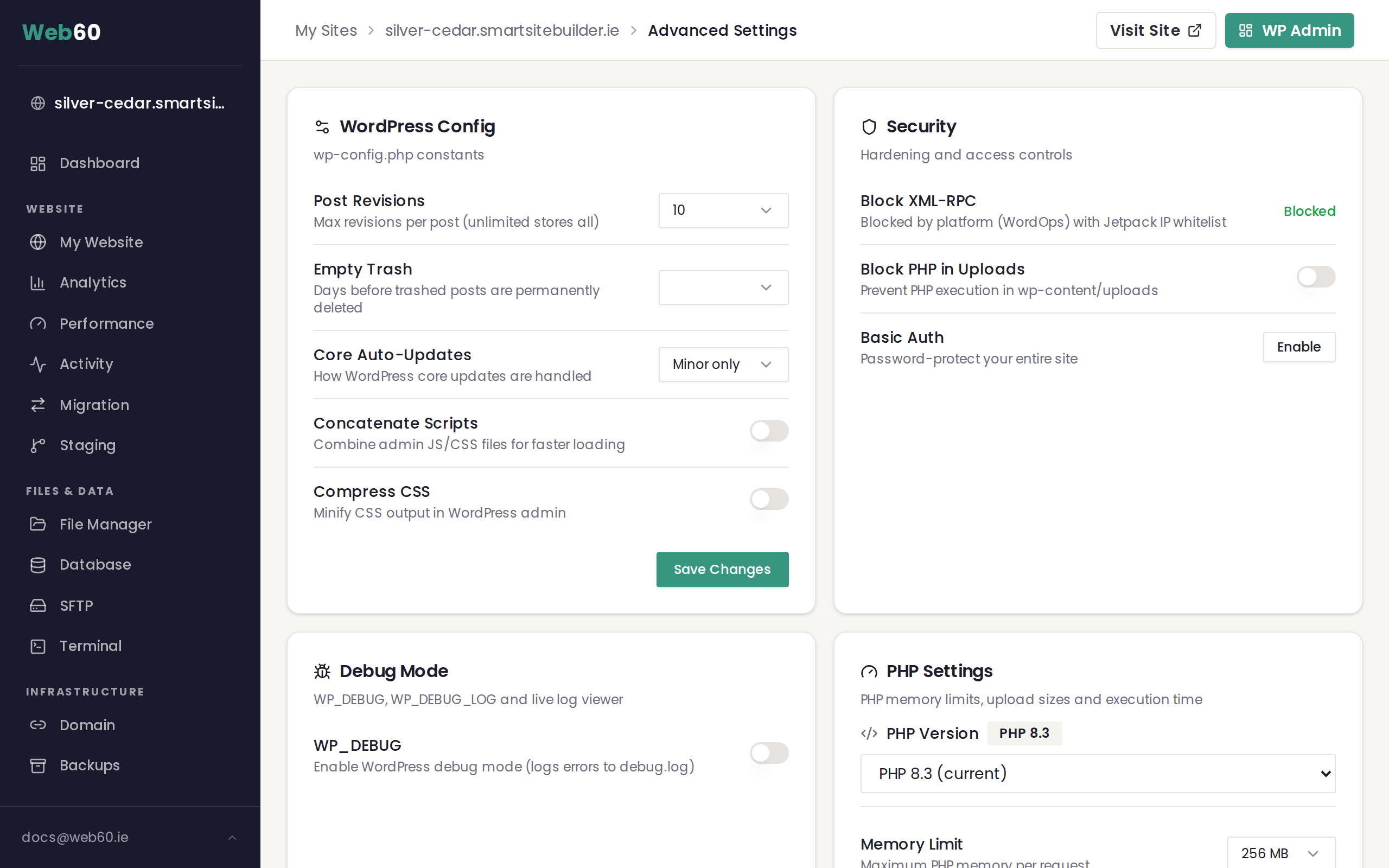
When you set your site to hidden, a warning message will appear reminding you that your site will not appear in search results.
When to hide your site
There are a few common reasons to turn off search engine visibility:
- Your site is under construction. If you are still building your site with the Web60 Site Builder and are not ready for visitors, hiding it from search engines prevents incomplete pages from appearing in search results.
- Your site is for internal use only. If the site is only intended for a specific group of people, you may not want it appearing in public search results.
- You are running a staging or test site. Staging sites should always be hidden from search engines to avoid duplicate content issues with your live site.
When to make your site visible
Before you officially launch your site, make sure search engine visibility is turned on. This is an easy step to overlook, and forgetting it is one of the most common reasons a new site does not appear in search results.
If your site has been live for a while and you are wondering why it is not showing up in Google, the first thing to check is this toggle. See Why is my site not appearing in Google for a full troubleshooting guide.
How long changes take to show
Turning visibility on does not mean your site will appear in search results immediately. Search engines need time to discover and index your pages. This process can take anywhere from a few days to several weeks depending on how often search engines visit your site.
Turning visibility off also takes time. Your pages may continue to appear in search results for days or weeks until the search engine recrawls your site and sees the updated instruction.
There is no way to speed this up significantly. It is simply how search engines work. The important thing is to set the toggle correctly and give it time.
Before you go live checklist
Before launching your site publicly, confirm these steps:
- Search engine visibility is set to Visible to search engines.
- Your site content is complete and reviewed.
- You have tested all pages and forms.
- For more launch preparation steps, see Publishing your site.
Frequently asked questions
Will hiding my site remove it from Google immediately?
No. Google and other search engines need to recrawl your site before they see the updated instruction. This can take days or weeks. Pages that are already indexed may continue to appear in search results until the next crawl.
Does hiding my site block visitors from accessing it?
No. The visibility toggle only affects search engine indexing. Anyone with your website address can still visit your site directly. If you need to prevent access entirely, consider using a password or maintenance mode.
I launched my site but it is not in Google. What should I check first?
Start by confirming that search engine visibility is set to "Visible to search engines" in your Advanced Settings. This is the most common cause. If it is already set correctly, see Why is my site not appearing in Google for further steps.
Need help?
If you need help with your site's search engine settings or have questions about getting your site indexed, contact our support team.
Frequently asked questions
Will hiding my site remove it from Google immediately?
No. Google and other search engines need to recrawl your site before they see the updated instruction. This can take days or weeks. Pages that are already indexed may continue to appear in search results until the next crawl.
Does hiding my site block visitors from accessing it?
No. The visibility toggle only affects search engine indexing. Anyone with your website address can still visit your site directly. If you need to prevent access entirely, consider using a password or maintenance mode.
I launched my site but it is not in Google. What should I check first?
Start by confirming that search engine visibility is set to Visible to search engines in your Advanced Settings. This is the most common cause.
Last updated: 16 March 2026