

Once your account is set up, you are ready to start building your website. You do not need to install anything or have any technical experience. Everything you need is already in place.
Here is a quick overview of the journey from a blank site to a live website.
The five steps
1. Sign in to your Web60 dashboard
Go to your Web60 dashboard and sign in with the email address and password you created during the setup wizard.
2. Open your WordPress editor
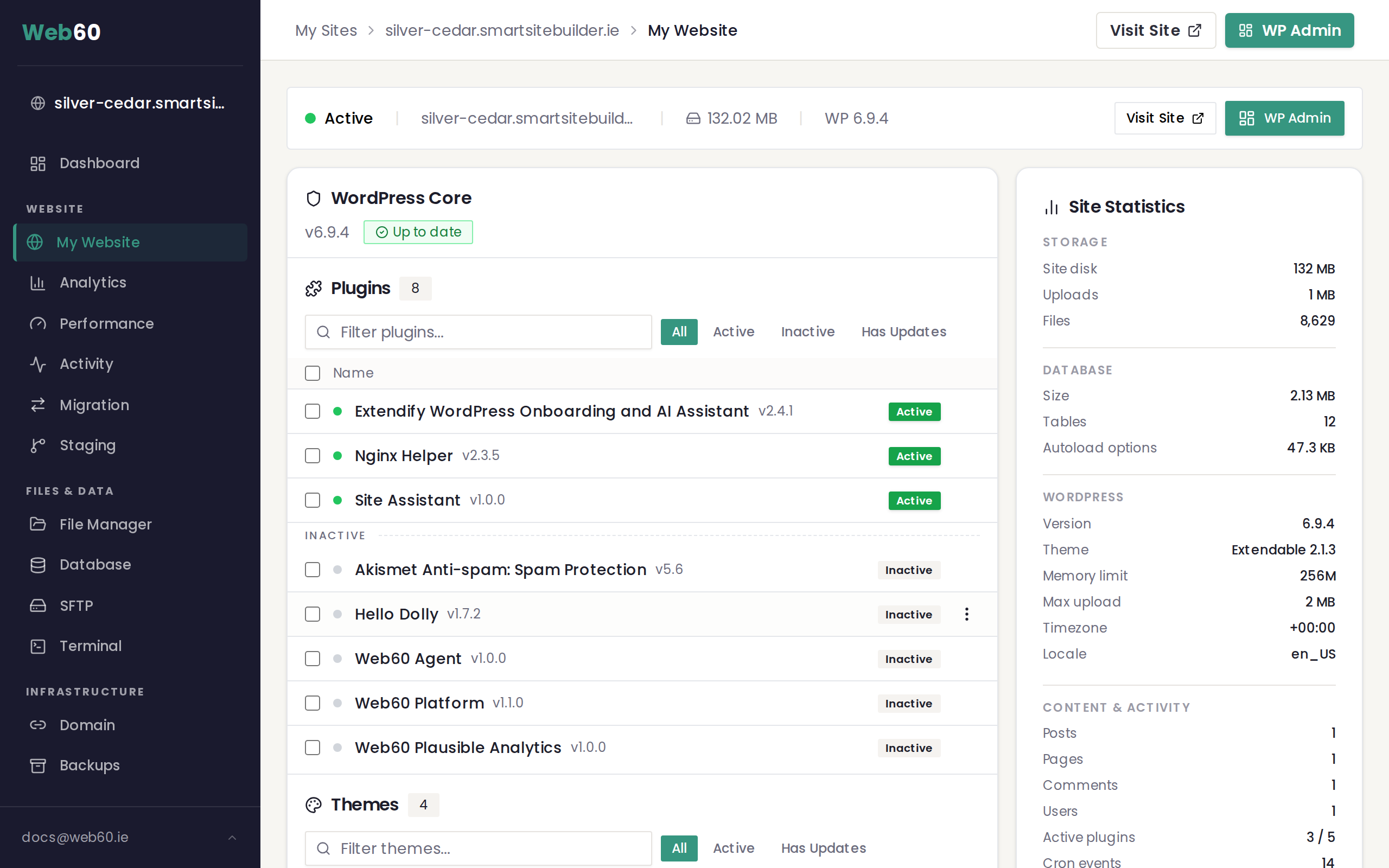
Click My Website in the sidebar menu on the left. Then click the Open WordPress button. This opens your WordPress editor, where all the building happens.
You are logged in automatically, so there is no separate username or password to remember.
3. Start with the Web60 AI Site Builder
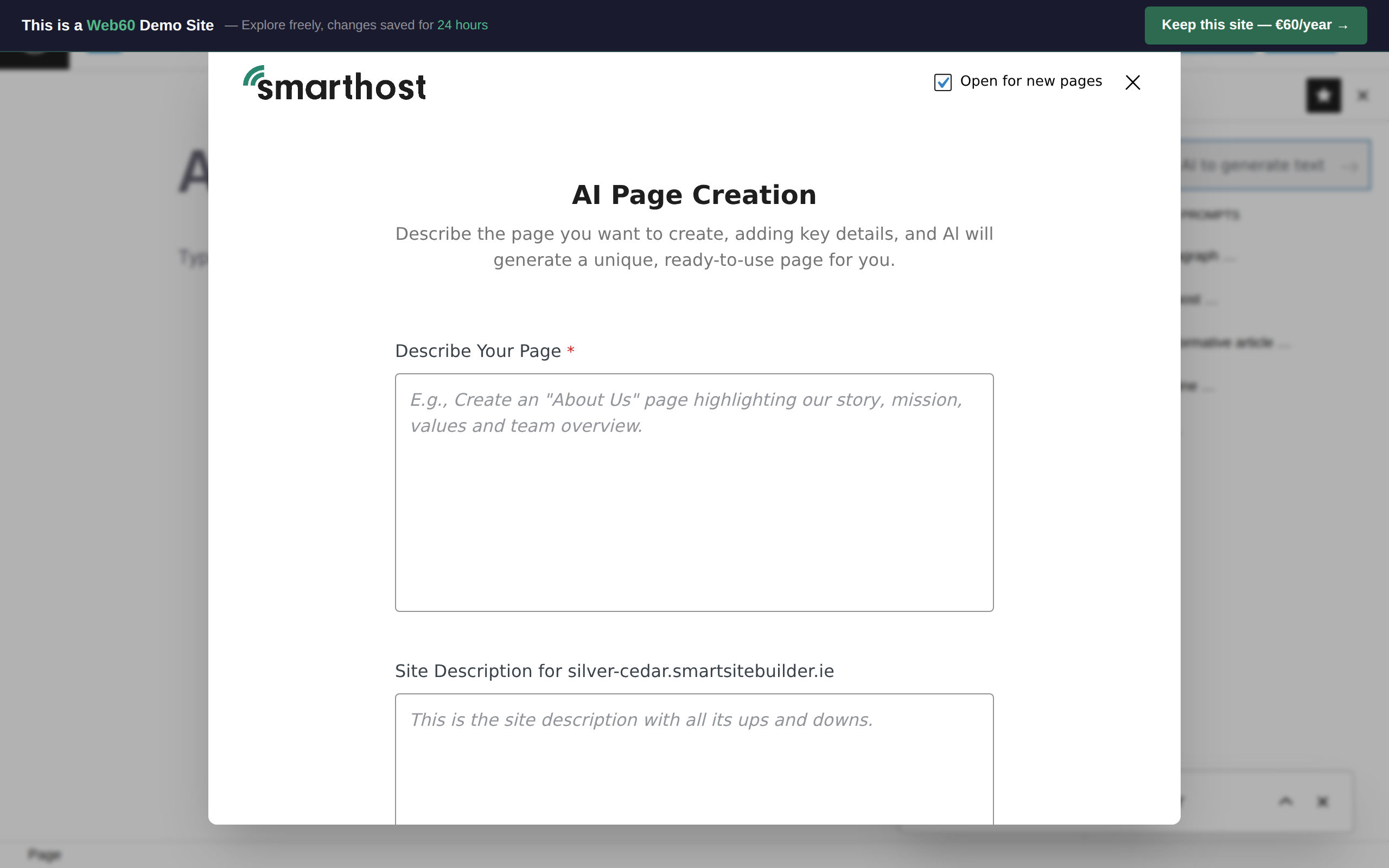
The Web60 AI Site Builder is already installed on your site. When you first open your WordPress editor, the Site Builder helps you create a starter site in just a few minutes. It asks you a few simple questions about your business, then builds a professional-looking site for you to work with.
You can learn more about how it works in our Site Builder overview.
4. Customise your pages
Once your starter site is ready, you can make it your own:
- Edit text. Click on any text to change it. Write your own headings, descriptions, and content.
- Add images. Replace placeholder images with your own photos or logo. See our guide to adding images.
- Change colours and fonts. Adjust the look and feel to match your brand. Our changing your design guide walks you through this.
- Add new pages. Create extra pages for things like services, pricing, or an about page. See adding pages.
5. Publish your changes
When you are happy with a page, click the Publish button in the top right corner. Your changes go live straight away, and anyone visiting your website will see the updated version.
For more detail, see our guide on publishing your site.
Take your time
There is no rush. Your website is private until you are ready to share it with the world. You can come back and make changes whenever you like. Just sign in to your Web60 dashboard and pick up where you left off.
Need help?
If you need a hand getting started or have questions about building your site, visit our support page and we will be happy to help.
Frequently asked questions
Do I need to install anything to build my website?
No. Everything is ready to go from the moment your account is set up. Just open your WordPress editor and start building.
How long does it take to build a website with Web60?
The Web60 AI Site Builder can create a starter site in minutes. From there, you can customise it at your own pace.
Can I undo changes if I make a mistake while building my site?
Yes. You can use the undo button in the WordPress editor to reverse recent changes. For bigger mistakes, you can restore a previous version of your site from the Backups page in your Web60 dashboard.
Last updated: 15 March 2026